Centercode Release Notes

What's New

The latest updates and improvements to the Centercode platform.

Fixes

Data Engine & Custom Reports

  • When both Community address settings are hidden, we will no longer hide the headings for these in View and Filter management

Ted Communications

  • Performance tuning was done on the methods in which Ted email processing occurs

User Interface & Experience

  • Addressed issue with certain reporting elements under Expanded View
Fixes

Form Engine & Custom Surveys

  • An issue where form items could become duplicated or sequenced incorrectly has been addressed

User Interface & Experience

  • A bad link under Request Service in the Help Menu was corrected

Miscellaneous

  • Team Management import function has been adjusted to align with new licensing
  • An issue with the Subscription Dashboard not displaying under certain conditions was corrected
Fixes

Data Engine & Custom Reports

  • Star Rating Custom Reports will now format as expected when configured with Show Details and a subtitle

Form Engine & Custom Surveys

  • Survey forms containing Test Platform elements will once again allow proper attachment

Miscellaneous

  • An error was fixed for systems that had not yet enabled a Privacy Policy
  • Public Recruitments setting within My Preferences page will once again default ON for new users and existing users will match their last determined state
Fixes

User Interface & Experience

  • A missing submit button on the mobile account page submission was corrected

Miscellaneous

  • Running Feedback Macros that adjust elements of the Feedback Form will once again work as intended

Hope you're all staying cool out there! In the latest patch we're focusing on improving a few aspects of Centercode based on feedback from you! In addition to these user requested improvements, throughout the month, we've continually deployed several bug fixes which we've also listed below.

" data-embed-image="https://i.vimeocdn.com/video/1482919287-4ca0ac1d21e066aa78b1bfe8d120504e0163beeb156161c61abc651aba31b8cd-d\_426" data-embed-signature="bvYpl0l46IKcVGMa5RfDfweq8XcuyQfZTtoGZOR1pB2" data-embed-url="https://vimeo.com/737015900">

Improvements

Infoboxes Reworked and Refreshed!

We're listening to your feedback, and we've heard that our inline help system wasn't presenting valuable information about the platform in a way that was easy to find or aesthetically pleasing. We're always striving to modernize and declutter our interface, and we want to ensure that information you need to know is presented to you front and center. To this end we've removed the current inline help system, and we are proud to present our reworked and revamped infoboxes!

These new infoboxes are present all throughout the platform with color coded page header and inline variants, and display important information clearly and concisely. We believe the platform should do a better job presenting you the right information at the right time, and this is a big first step towards that goal! In future releases, we'll continue enriching the availability and content of these infoboxes to provide the most complete platform experience.

Giving Our Data Table Column Headers Room to Breathe!

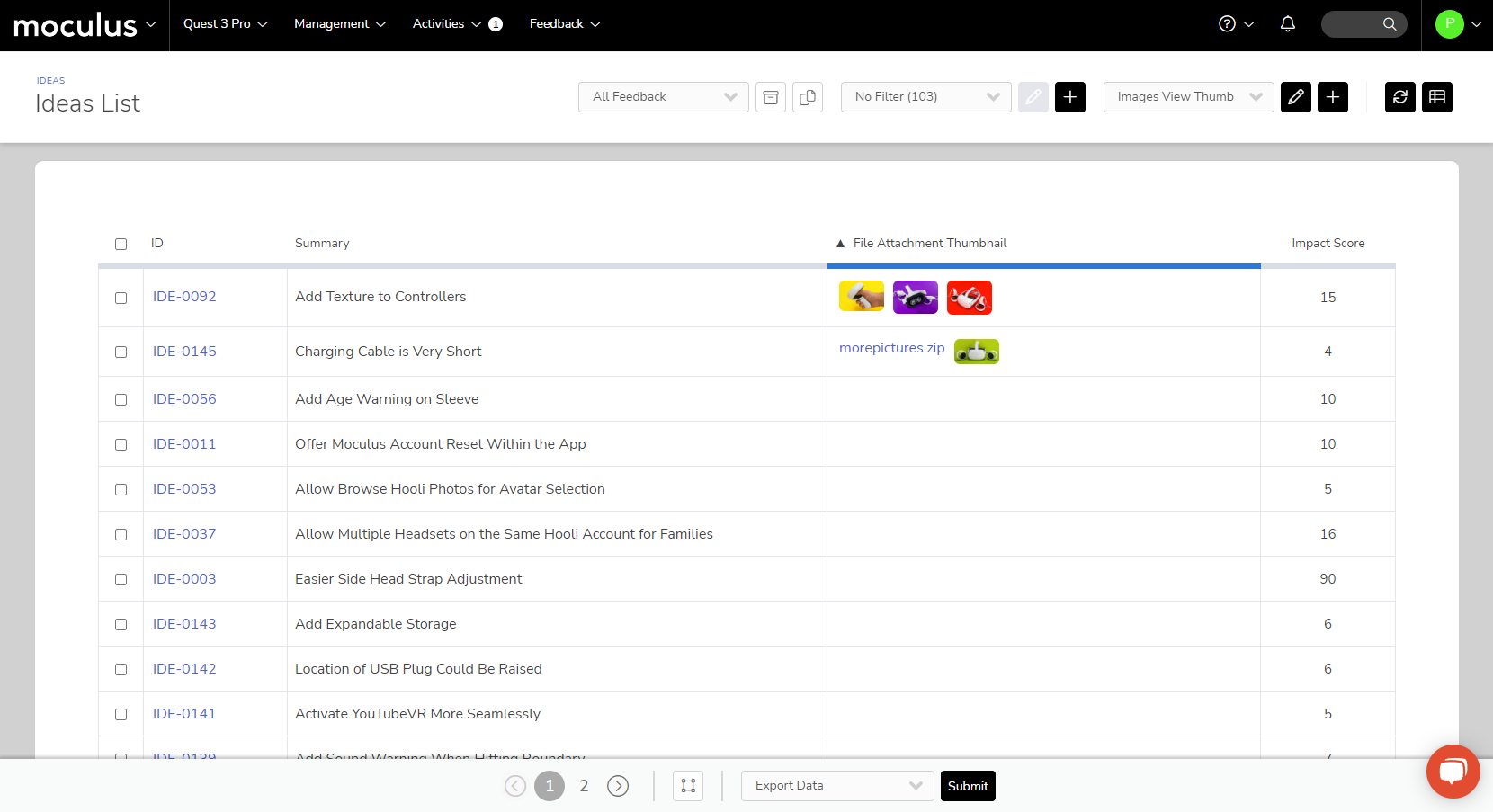
A major pain point brought to us by many users was column headers in reports, User Management, and Feedback Management truncating themselves with an "...", sometimes making them difficult to understand or entirely unusable. We heard you! Our column headers now have a minimum width, smaller font, word wrapping, and no truncation. In addition, the color palette has been adjusted to include cooler greys, more accurate yellows, and to reflect your community theme link color for links.

New CDE Items Grant Insight into Mobile App Usage!

Another improvement, by popular request, is more insight into how customers are accessing and using your testing site. To facilitate this, we've added a few new CDE (Centercode Data Engine) items allowing you to see if, when, and how often customers are accessing your site via the mobile app.

Additionally, we’ve added a Feedback Type data point that tracks the submission source of a piece of feedback (via the mobile app, desktop site, API, etc.) Using this within a view will allow you to display through which of these avenues a given piece of feedback was submitted. Using it within a filter will allow you to narrow down your list of feedback based on source, for example only showing Feedback items that were submitted via an external API integration if you want to see how many customers are submitting feedback via your app. It might also prove useful diagnosing customer issues in support tickets, as you'll be able to determine the exact avenue through which they are accessing your Centercode implementation!

(Note: Mobile app and Feedback submission source data will not be backfilled when your site is updated. Mobile app data and Feedback submission source data can only be collected and displayed based on activity going forward.)

Fixes

Test Planning

  • Professional edition will no longer encounter an error when utilizing Regression Features in an active Project Phase

Performance Tuning

  • Project Summary page load times have been improved

Miscellaneous

  • Corrected a condition under the Professional license where Enable Account Creation was not applying
  • Content in mixed states of availability within a single content type will now properly load on the respective Community or Project menus
Fixes

Feedback Management

  • The resolved toggle on the Feedback Simple List will once again work as intended

Form Engine & Custom Surveys

  • Project Survey archiving will function as intended under specific license configurations
Fixes

Feedback Management

  • Feedback Type Management chess icons properly save and update access when selecting them

User Interface & Experience

  • Features will show the correct chess icons according the team access blocks

Miscellaneous

  • When an implementation is at the license limit, users will be directed properly to the opportunity unavailable message screen
Fixes

Centercode Mobile App

  • A voting button has been added to the Feedback view drop-down within the app
  • A potential crash scenario within the app was identified and resolved

User Interface & Experience

  • Clicking a column header (to adjust sorting order) within a User or Feedback Advanced View will no longer reset the filter and view to the default

Miscellaneous

  • Fixed an issue encountered when uploading files that have special characters in the name
  • Corrected some User Role (prev. Team Type) configurations for customers utilizing Legacy User Roles

We're starting July off with a boom! Centercode's July update has more new features and improvements than you can shake a sparkler at.

We're rolling out a brand new set of editions to provide even more ways to ensure every customer gets the Centercode experience they need. With these new editions come a host of new features and improvements for customers at every level. From a powerful new first-class age gate tool, to functionality updates to our basic views and filters, this release has something for everyone.

New Features

✨ New Features ✨

Powerful New First-Class Age Gate!

" data-embed-image="https://i.vimeocdn.com/video/1465733081-eb3e164319db385eb73fca277b12fba615a573e7fe9b6bf589abf246a85325cc-d\_426" data-embed-signature="t1nOaU3AXmv2rYlUhqC4uApvEvJyY9Xgwzk6Z8fnFYJ" data-embed-url="https://vimeo.com/728203017">

Centercode's new first-class age gate feature gives you a straightforward way to manage the age compliance requirements of your community. From within the Community User Account Settings page, select "Age Restricted" from the Date of Birth dropdown and enter a minimum user age.

This kicks off two awesome functions. First, it will automatically prevent new underaged users from creating accounts. Second, it will scrub your entire community for date-of-birth data (or collect it if none is available) and present a number of different options for removing existing users who do not meet your criteria.


Improved Usability of Team Hierarchy, Types, and Roles!

" data-embed-image="https://i.vimeocdn.com/video/1465733491-2d2e62980e749ba6905b72ab21e6e1eb7bde8ce12616f9f1a2d0e8aada5a36e3-d\_426" data-embed-signature="HvULalUEr6tscgSsP8g98cjbjYEqPSJ11ZiROwM6Zda" data-embed-url="https://vimeo.com/728203121">

We're making big changes to our team types across the board. For starters, we're renaming "team types" to "user roles" to better align with how our customers understand and use them.

Second, we've removed restrictions on which permissions (access roles) can be granted to the various user roles. It's no longer a requirement for all Project Manager teams to have access to all administrative functions.

By only requiring that the primary Project Manager team retains admin access, you can create your ideal PM-Lite team. And by removing required permissions, if you can customize your teams, you can also fine-tune Support's access to reporting and other resources.

Next, a brand new user role has been added to all editions. "Observers" is an internal role for stakeholders and other non-support internal members that lets users view project data but doesn't allow them to make any changes. A read-only function, so to speak.

We're also updating the names of some of our existing user roles for clarity. The Internal Members role is now known as "Project Creators" at the community level and "Support" at the project level.

Optimized Onboarding For Our New Editions!

We're introducing a simplified version of the onboarding process for the Impact and Professional editions of the Centercode Platform! This powerful but easy-to-use new tool strips down the traditional recruitment process so you can get new users into your community and projects quickly and efficiently.

Alongside this new Onboarding tool, we've added the ability to create a simple one-size-fits-all Community Login page, which is located within the Basic Settings section of your community. Getting your Centercode community up and running has never been easier!

Improvements

Remove Ted via Template Settings!

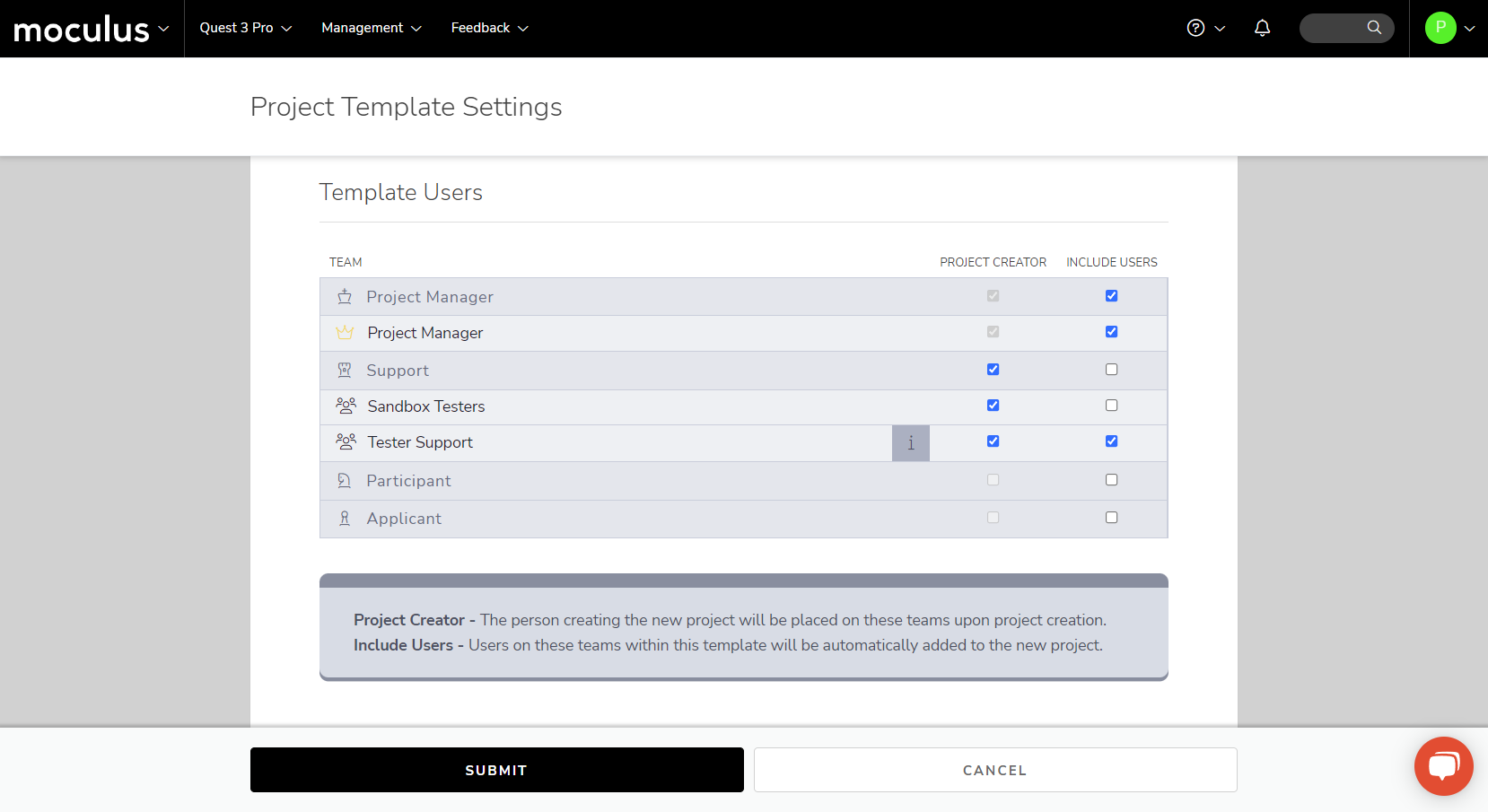
While Ted can be an invaluable resource for keeping your testers motivated and engaged, he's only able to do so in English, though he's working on his multilingual skills. To this end, we have added the ability to turn off Ted entirely and remove all associated icons and menu links ensuring that he doesn't show up in non-English tests.

This setting is located within the Project Template Settings page, shown below:


New Default Views!

We've updated our default views for both feedback and user searches to include additional commonly searched for information. This includes information like "Created Date" and "Last Login Date" for user searches, and "Title," "Status," and "Impact Score" for feedback ticket searches. In addition, the user type super filter will now filter based on the new account types.


Subscription Dashboard Update for the New Editions!

Tied in with our new product editions and user roles, the Subscription Dashboard has a new look for customers using one of these new editions. This updated dashboard makes simple work of keeping track of your users and how many remaining seats you have for each account type. Your edition and seat limitations are clearly listed, and it has easy-to-read color-coded bars that let you know when you're approaching any of your seat limitations.

Community Tools Navigation Update!

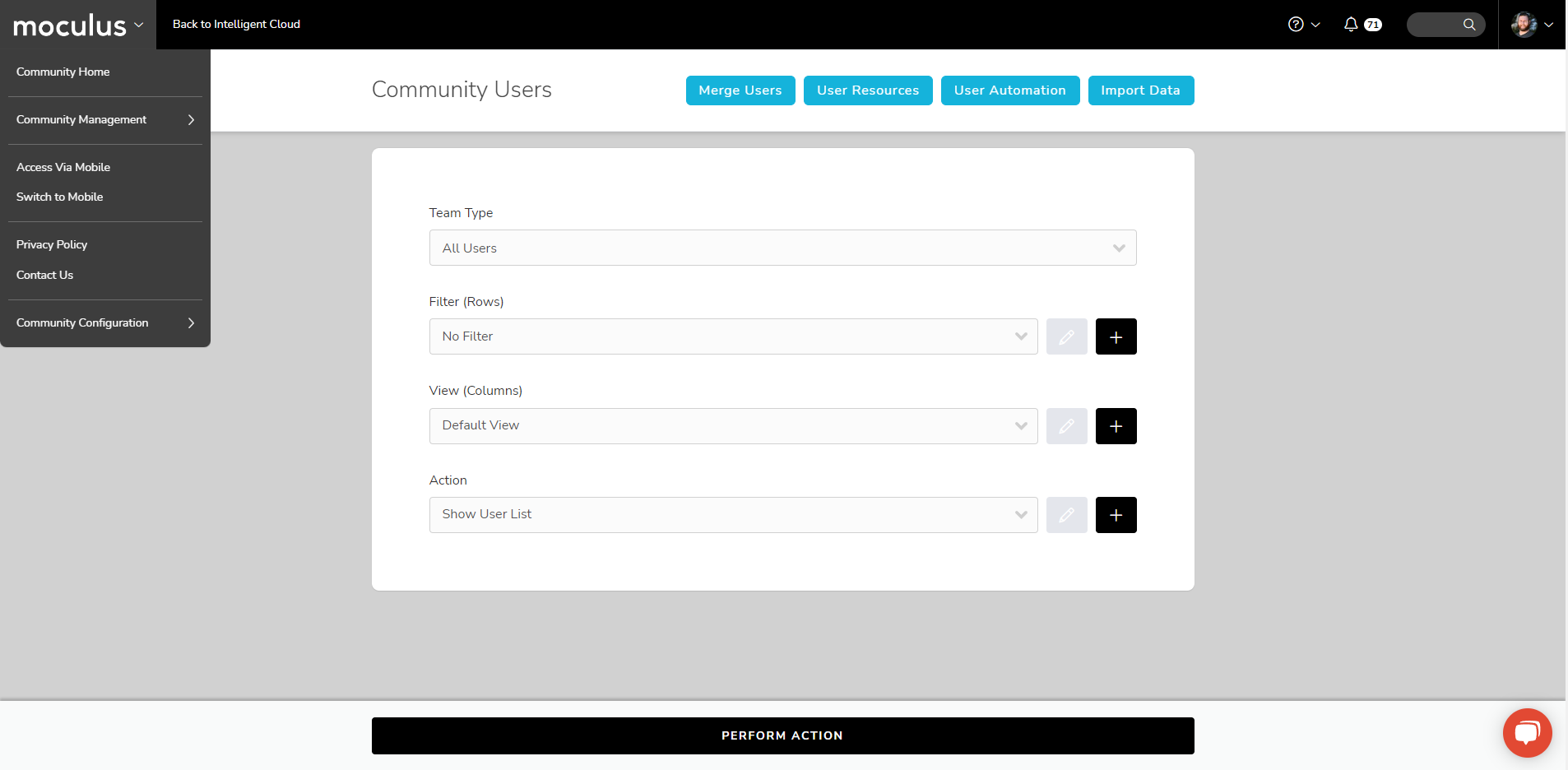
We've streamlined and updated how you access community configuration options to be more coherent and consistent across the platform.

You can now access all of the tools previously located on the Community Configuration page in a new Community Configuration fly-out menu at the bottom of the main Community Menu, similar to how Project Configuration options work. This means an easier to understand menu and fewer clicks to get where you need to go 🎉.


Project Creation Polish!

We've given the Project Creation menu a fresh coat of paint, including new icons, a more distinctive color, and clearer language. In addition, the system will now skip the Template Selection screen if there is only a single template available. This means getting your new project started is easier than ever!

Project Menu Scrolling Bar Added!

We want Centercode to be accessible and easy to navigate across a variety of hardware setups, no matter the size and complexity of your project. This improvement updates the menus in the Navigation Bar with a scroll bar for those moments when your browser window isn't tall enough to show all possible menu selections.

Improvements
  • We've implemented a scrolling function on the Navigation Bar. Now, if the menu would be too long to fit within your current browser window's height, a scroll bar will appear!
Fixes

Centercode Mobile App

  • A Feedback display issue causing errors on the mobile application for forms lacking date/time elements was corrected
Fixes

Ted Communications

  • Additional work to tune Performance for specific customer implementation related to Email sending
  • Added some additional back-end Ted email logging to better diagnose issues

User Interface & Experience

  • Issue affecting Feedback Check In and Check Out occasionally not reflecting the toggle state in the UI right away has been corrected

Centercode Mobile App

  • Adjusted Mobile Return to Homepage button functionality
Fixes

Ted Communications

  • Fixed an issue preventing Ted emails from being sent in specific circumstances

Feedback Management

  • "Take Ownership" functionality restored on Feedback Management page
  • Fixed issue related to relative date/time display setting causing participant team members to encounter bomb errors when viewing Feedback tickets

Things are really heating up in Centercode's June update! We're excited to bring you numerous UI and menu improvements, as well as a powerful new tool to make project configuration faster and easier than ever. In addition, throughout the month, we've continually deployed several bug fixes which we've also listed below.

New Features

Project Kickoff Dashboard

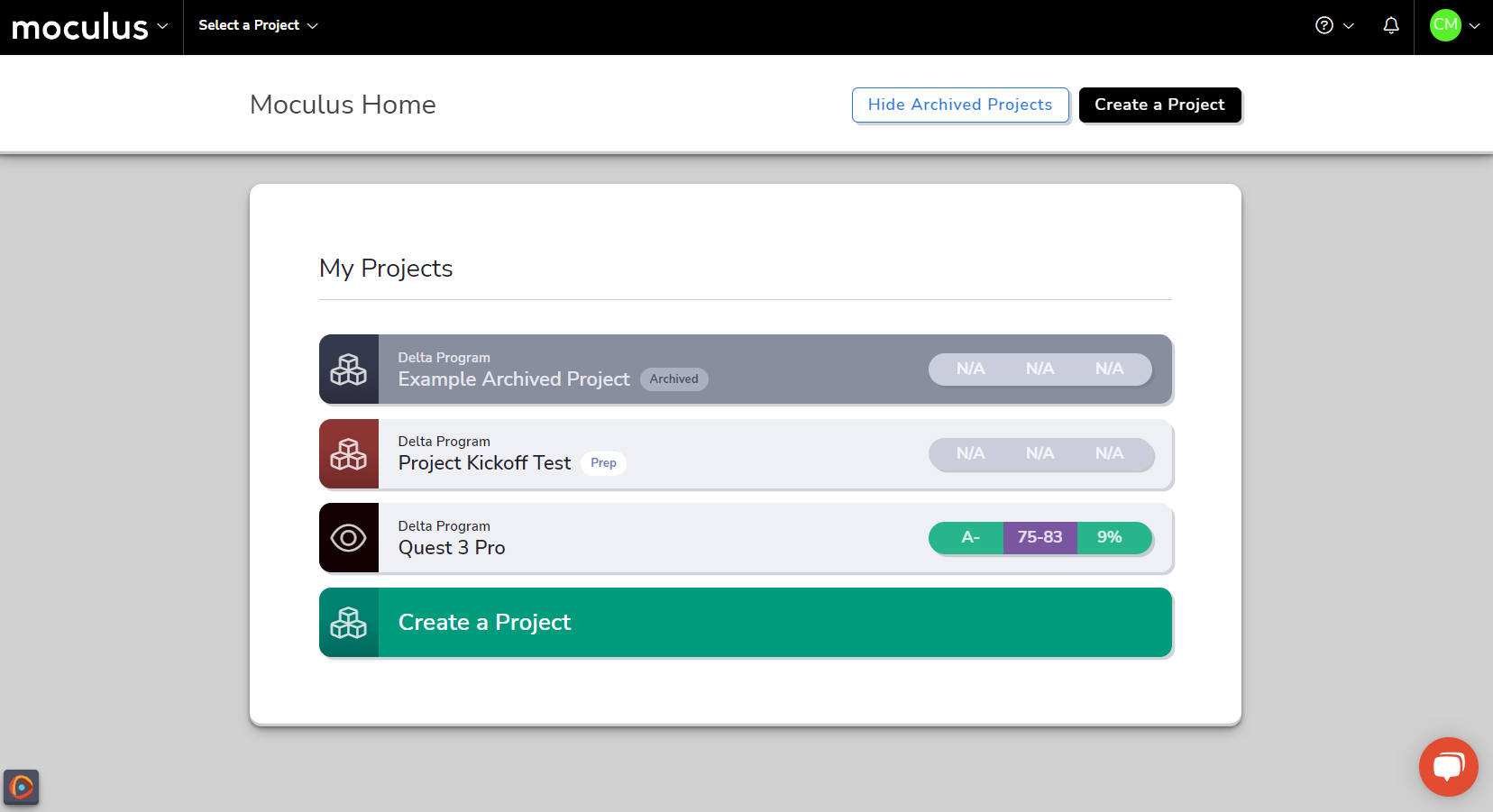
We're proud to introduce Centercode's brand new Project Kickoff Dashboard! This fantastic new tool is designed to walk Project Managers step by step through getting new projects up and running quickly and easily. Each step on this dashboard contains easy to use and understand buttons leading you right where you need to go to configure the related element, as well as helpful instructional videos to guide you through the process. It's never been easier to get your new project started!

Improvements

New and Improved Feedback View UI

Introducing an updated look for the Feedback View UI, featuring a cleaned-up experience and additional functionality! Each section of the interface (left, top, and right) has received improvements:

Navigation has been moved to the left-hand panels, and Macros and Admin Actions all feature updated icons for better visibility.

We polished the right-hand panels by bringing back a dedicated Creation Date, adding Feedback Velocity, and improving the iconography of Popularity Score and Feedback Weight. The ownership panel now displays Owner Team and allows for checking in/out feedback with a single click.

Lastly, find your quick actions in the updated Title Bar including Add Comment, Archive, Vote, Follow, and more. The bar scrolls with you, ensuring that checking out or commenting on Feedback is always at your fingertips!

Streamlined and Simplified SSO Login Flow

We've streamlined the External Authentication account creation flow and simplified the SSO setup! We've reduced friction during SSO login by removing redundant landing pages, keeping the SSO account creation process more in line with the typical "local" process. Plus, instead of picking a specific destination team for all SSO logins, we're tying the process to existing Opportunities, unifying SSO and Opportunity account creation.

We recommend that customers with existing Single Sign-On configurations review the updated page and remove any redundant or otherwise unneeded Team assignments.

Custom Project Menu Management Got a New Look

Customizing your Project menus is easier than ever with updates to the Project Navigation Menu UI. The new Project Navigation Management menu keeps the standard Menus (Project Menu, Management, Activities, Feedback) right where you expect them in the Primary Menus category, and gives you the ability to create custom Project Menu subsections for deeper organization of menu links.

Fixes

Project Dashboards

  • Dashboard time zone adjustments were made to allow filters such as today, yesterday, and other individual ranges to remain accurate despite variations in these based on time zone gaps

Ted Communications

  • Archived Form data is no longer included in the data provided via Ted Emails to Admins

User Interface & Experience

  • Admins will now be able to assume and adjust a participants username, though this will trigger the need for a password reset and this is noted on the page

  • We've removed confusing and potentially redundant steps during Project Onboarding when done through Single Sign-On. The experience will now be slightly shorter and significantly less confusing to end-users

  • A display issue with the Community scope Project List under a specific scoring condition has been corrected

Improvements

Introducing the Project Kickoff Dashboard!

  • Centercode now provides a comprehensive checklist for configuring and running your new projects. This new dashboard is available in all newly spun-up Projects and will help guide the configuration of many important Project areas.
  • Custom Project Menu, now Project Navigation, better matches changes made in C17 to the site and removes some leftover bugs within it.

Streamlined Onboarding Through Single Sign-On

  • External Authentication now integrates the selection of a Community Opportunity Source to unify the Onboarding experience for these configurations. Legacy users will likely want to go to their External Authentication configuration and ensure that the Community Opportunity Source selected is intended, and remove the legacy team checkbox within.
Fixes

Project Dashboards

  • Dashboard time zone adjustments were made to allow filters such as today, yesterday, and other individual ranges to remain accurate despite variations in these based on time zone gaps.

User Interface & Experience

  • Admins will now be able to assume and adjust a participant's username, though this will trigger the need for a password reset and this is noted on the page. We have future plans to improve this process further.
  • We've removed confusing and potentially redundant steps during Project Onboarding when done through Single Sign-On. The experience will now be slightly shorter and significantly less confusing to end-users.
  • Interface adjustments were made when removing Status or Category items from Feedback form configurations.

Ted Communications

  • Archived Form data is no longer included in the data provided via Ted Emails to Admins.
Fixes

Test Planning

  • An adjustment was made to make Tester Goal and Health Over Time adjust to changes mid-stream properly
  • An issue discovered with Phase/Feature Import was corrected
Fixes

Test Planning

  • An adjustment was made to make Tester Goal and Health Over Time adjust to changes mid-stream properly.
  • An issue discovered with Phase/Feature Import was corrected.

Fixes

Feedback Management

  • Fixed an issue where some cloned Feedback Types would not show Status and weren't unable to be submitted.
  • Feedback Workflow Category and Status are now viewable when using Preview As for any team while editing a Feedback Form.

User Interface & Experience

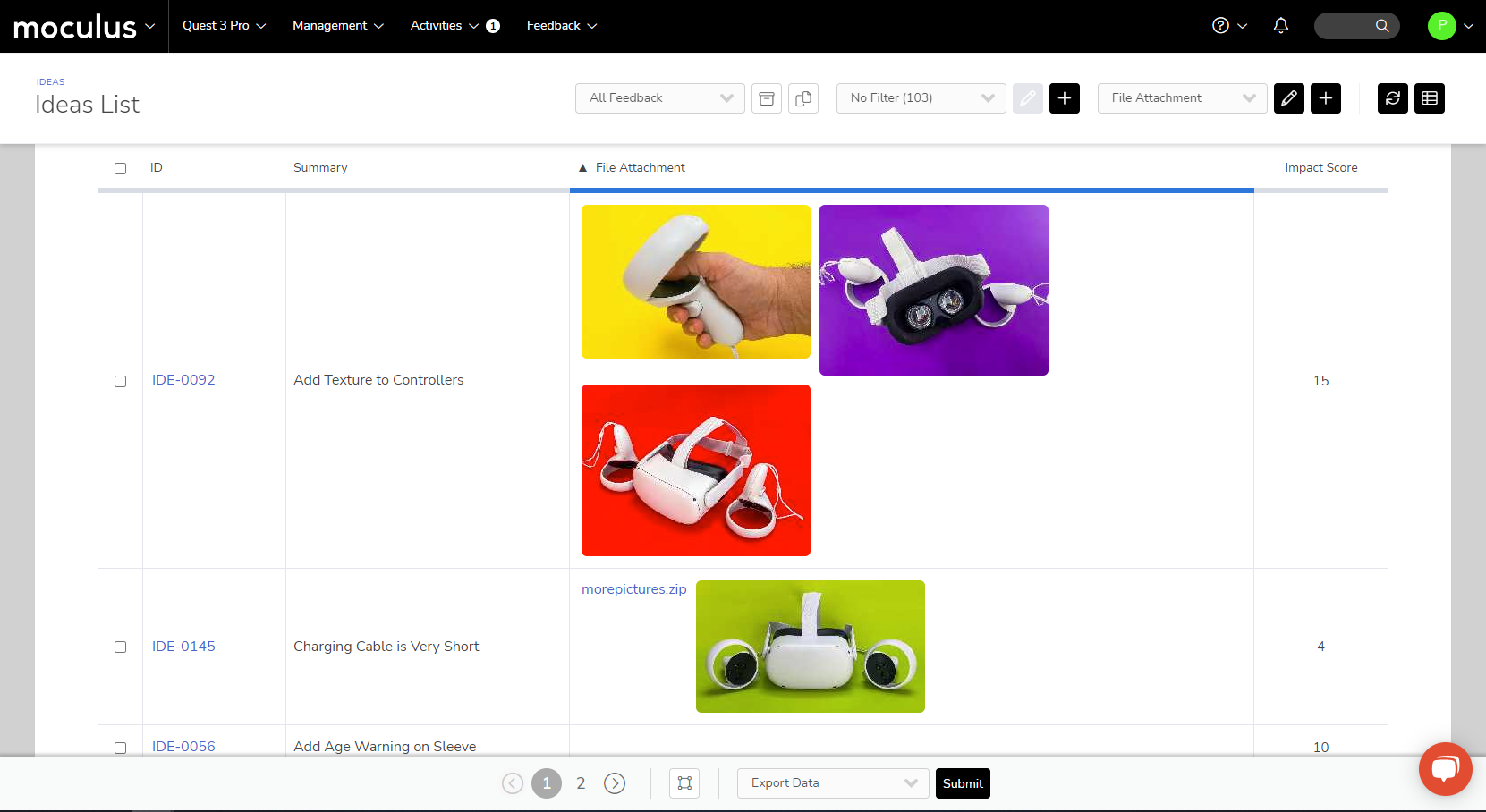
  • Feedback Simple List will no longer show photo thumbnails for attachments when set to PII.