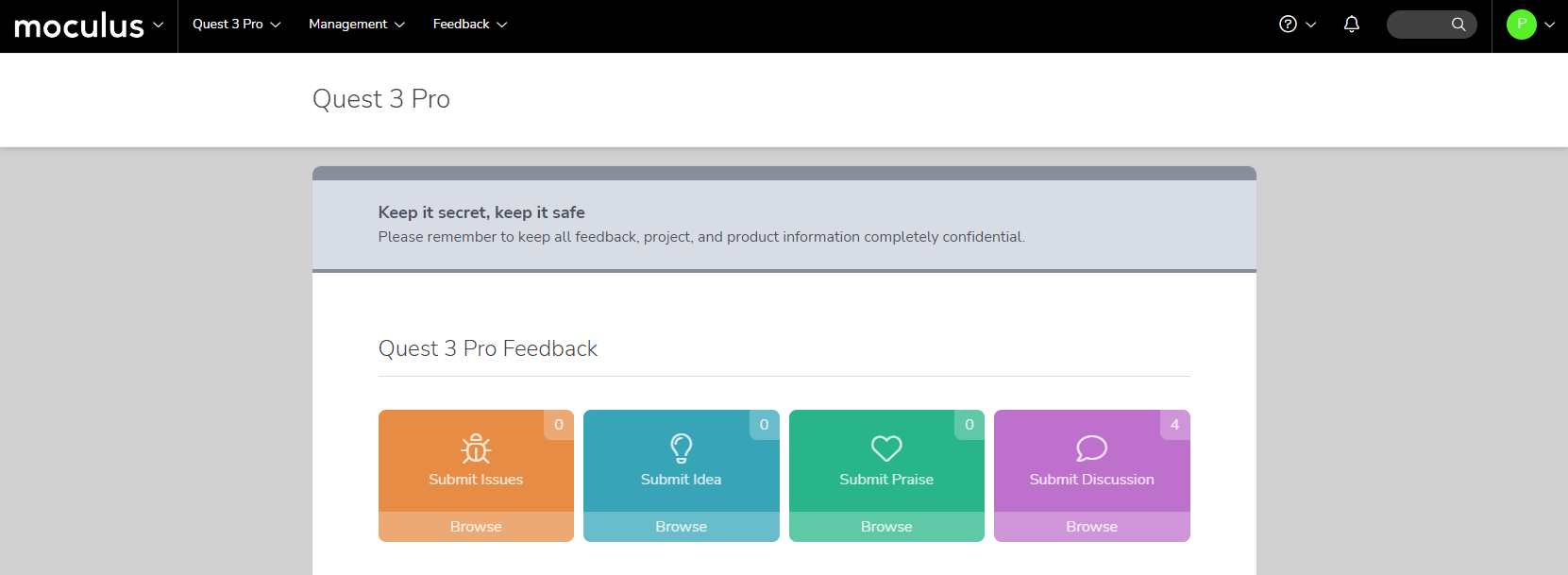
We're starting July off with a boom! Centercode's July update has more new features and improvements than you can shake a sparkler at.
We're rolling out a brand new set of editions to provide even more ways to ensure every customer gets the Centercode experience they need. With these new editions come a host of new features and improvements for customers at every level. From a powerful new first-class age gate tool, to functionality updates to our basic views and filters, this release has something for everyone.
New Features
✨ New Features ✨
#Powerful New First-Class Age Gate!
" data-embed-image="https://i.vimeocdn.com/video/1465733081-eb3e164319db385eb73fca277b12fba615a573e7fe9b6bf589abf246a85325cc-d\_426" data-embed-signature="t1nOaU3AXmv2rYlUhqC4uApvEvJyY9Xgwzk6Z8fnFYJ" data-embed-url="https://vimeo.com/728203017">
Centercode's new first-class age gate feature gives you a straightforward way to manage the age compliance requirements of your community. From within the Community User Account Settings page, select "Age Restricted" from the Date of Birth dropdown and enter a minimum user age.
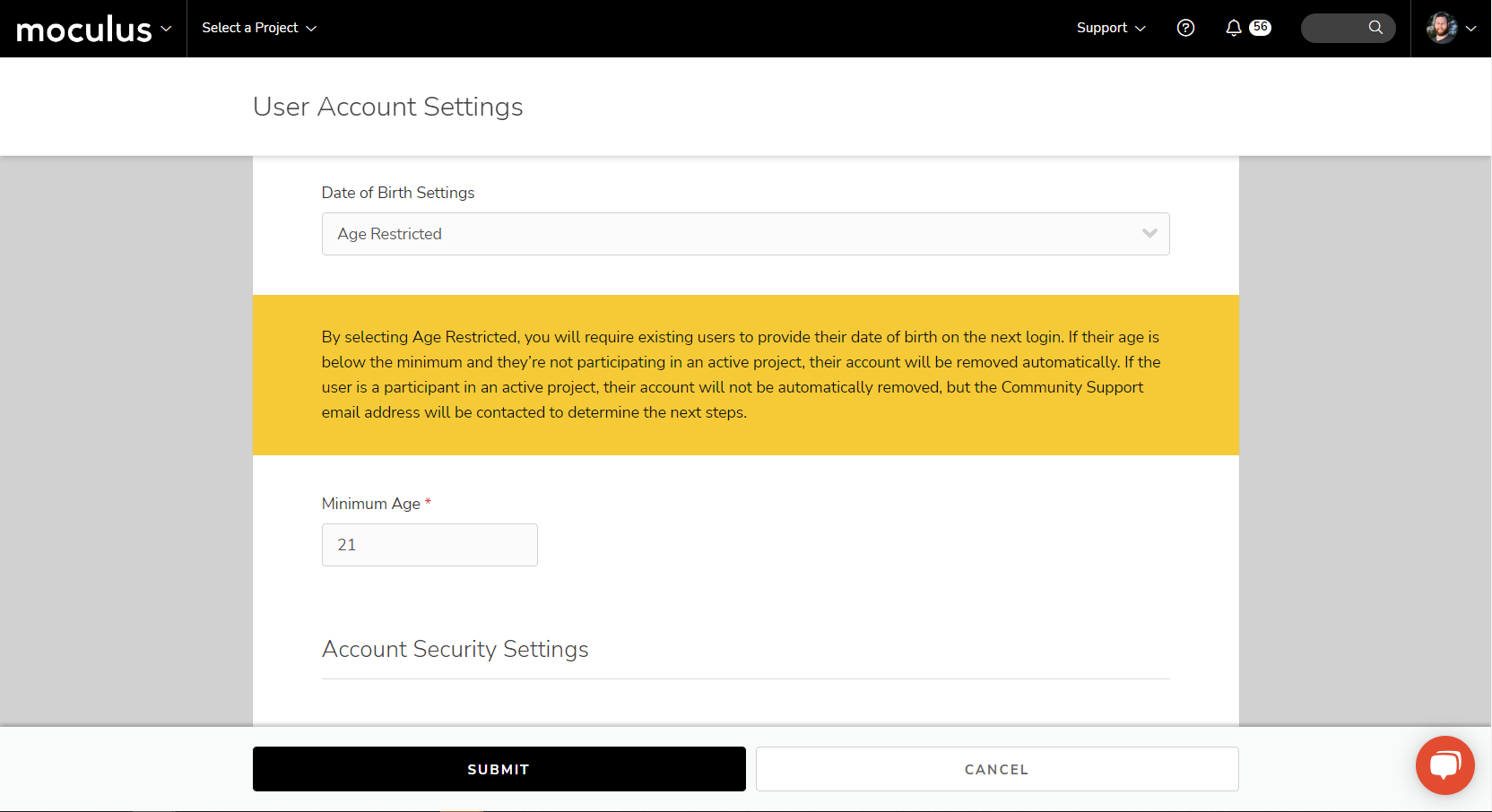
This kicks off two awesome functions. First, it will automatically prevent new underaged users from creating accounts. Second, it will scrub your entire community for date-of-birth data (or collect it if none is available) and present a number of different options for removing existing users who do not meet your criteria.
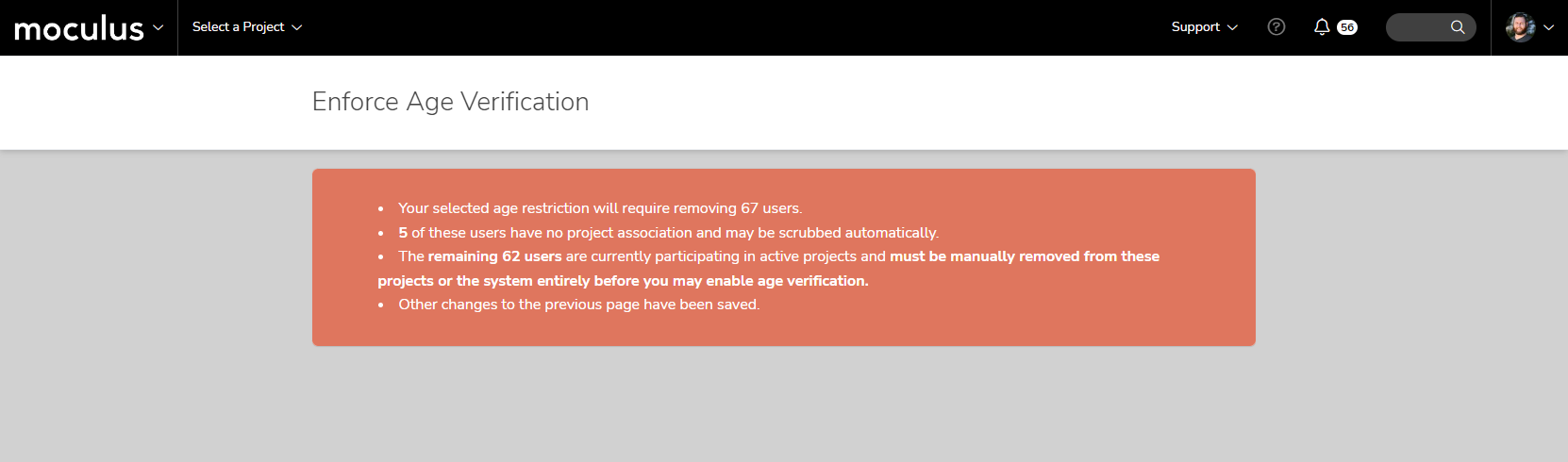
#Improved Usability of Team Hierarchy, Types, and Roles!
" data-embed-image="https://i.vimeocdn.com/video/1465733491-2d2e62980e749ba6905b72ab21e6e1eb7bde8ce12616f9f1a2d0e8aada5a36e3-d\_426" data-embed-signature="HvULalUEr6tscgSsP8g98cjbjYEqPSJ11ZiROwM6Zda" data-embed-url="https://vimeo.com/728203121">
We're making big changes to our team types across the board. For starters, we're renaming "team types" to "user roles" to better align with how our customers understand and use them.
Second, we've removed restrictions on which permissions (access roles) can be granted to the various user roles. It's no longer a requirement for all Project Manager teams to have access to all administrative functions.
By only requiring that the primary Project Manager team retains admin access, you can create your ideal PM-Lite team. And by removing required permissions, if you can customize your teams, you can also fine-tune Support's access to reporting and other resources.
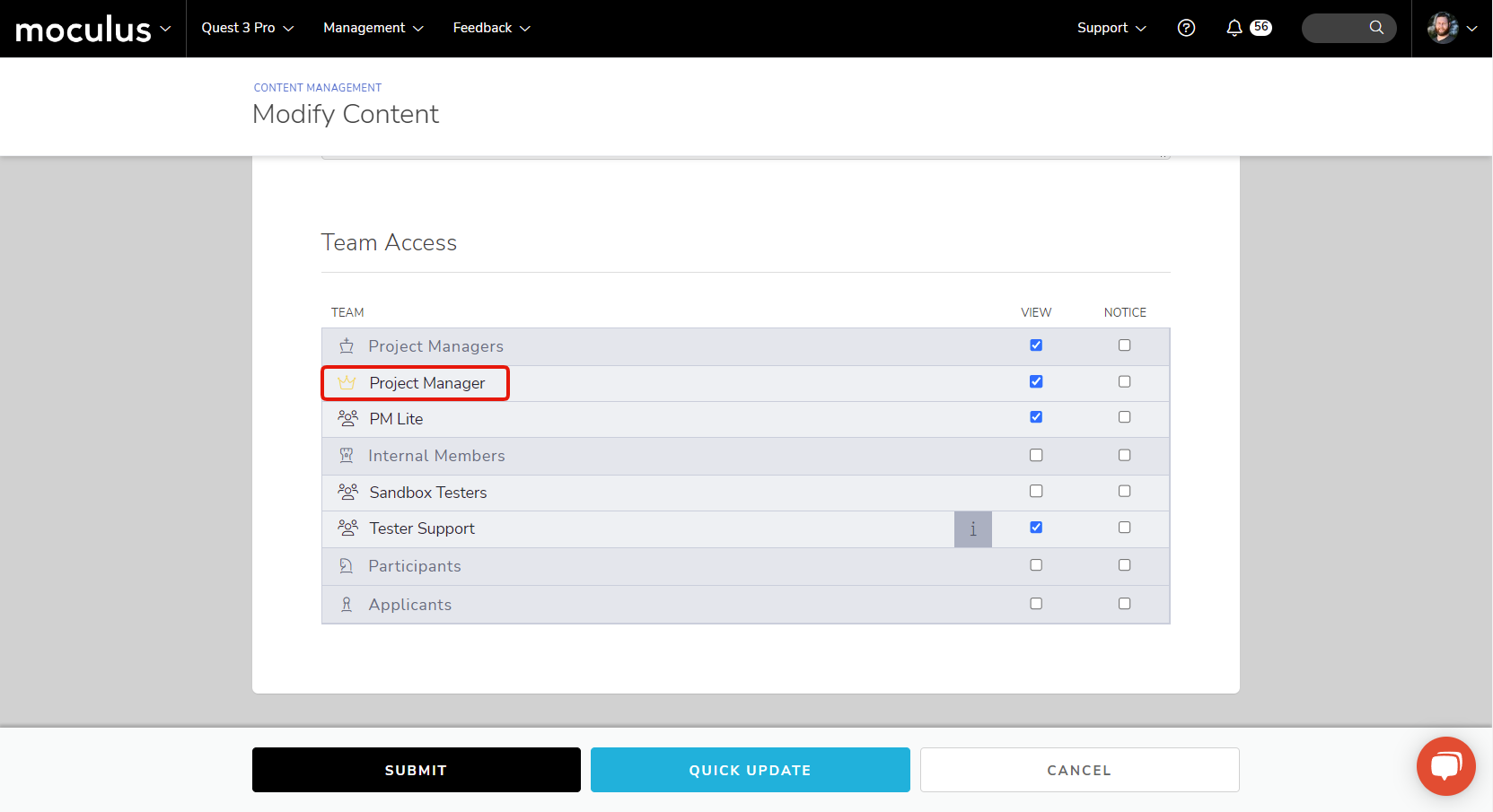
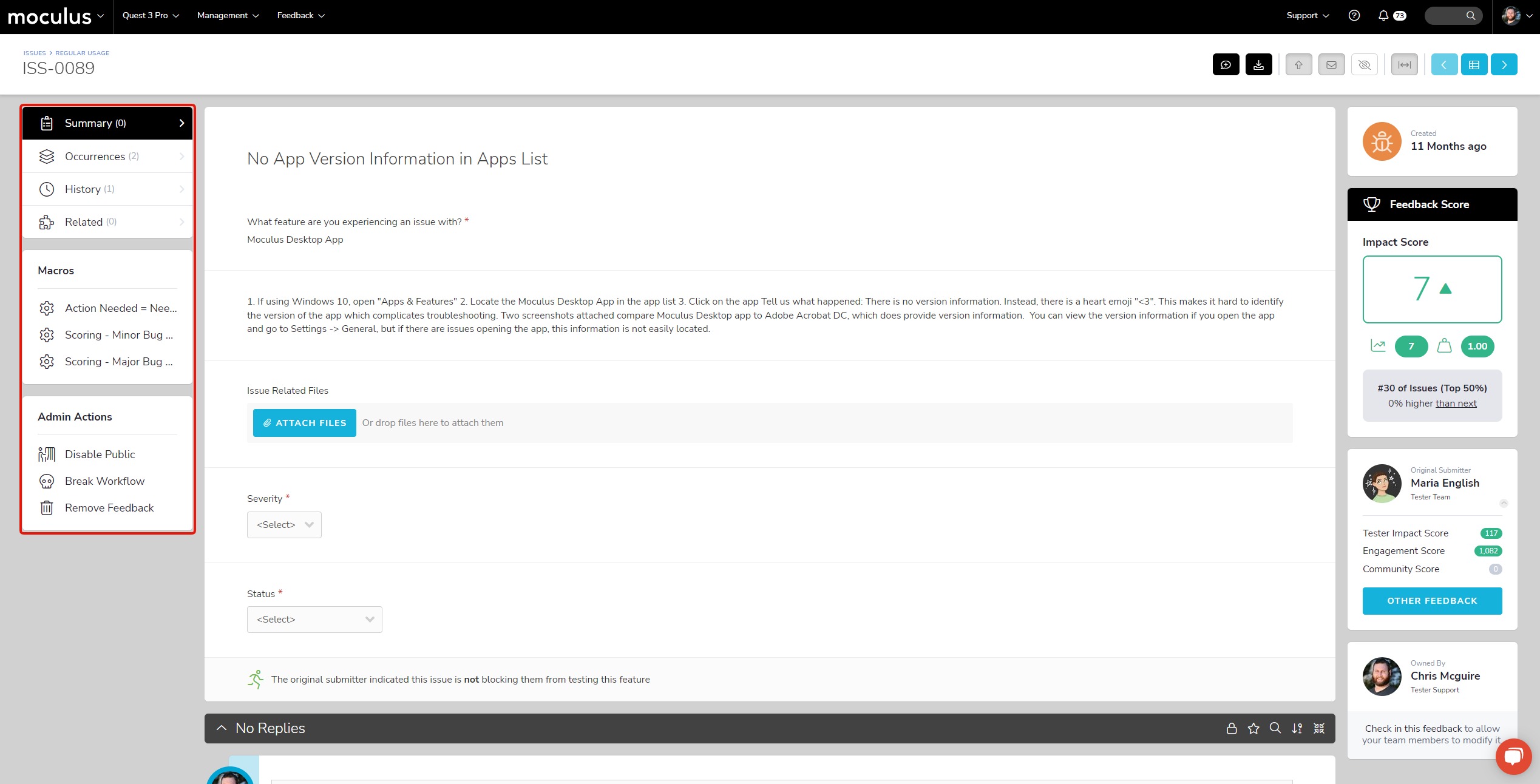
Next, a brand new user role has been added to all editions. "Observers" is an internal role for stakeholders and other non-support internal members that lets users view project data but doesn't allow them to make any changes. A read-only function, so to speak.
We're also updating the names of some of our existing user roles for clarity. The Internal Members role is now known as "Project Creators" at the community level and "Support" at the project level.
#Optimized Onboarding For Our New Editions!
We're introducing a simplified version of the onboarding process for the Impact and Professional editions of the Centercode Platform! This powerful but easy-to-use new tool strips down the traditional recruitment process so you can get new users into your community and projects quickly and efficiently.
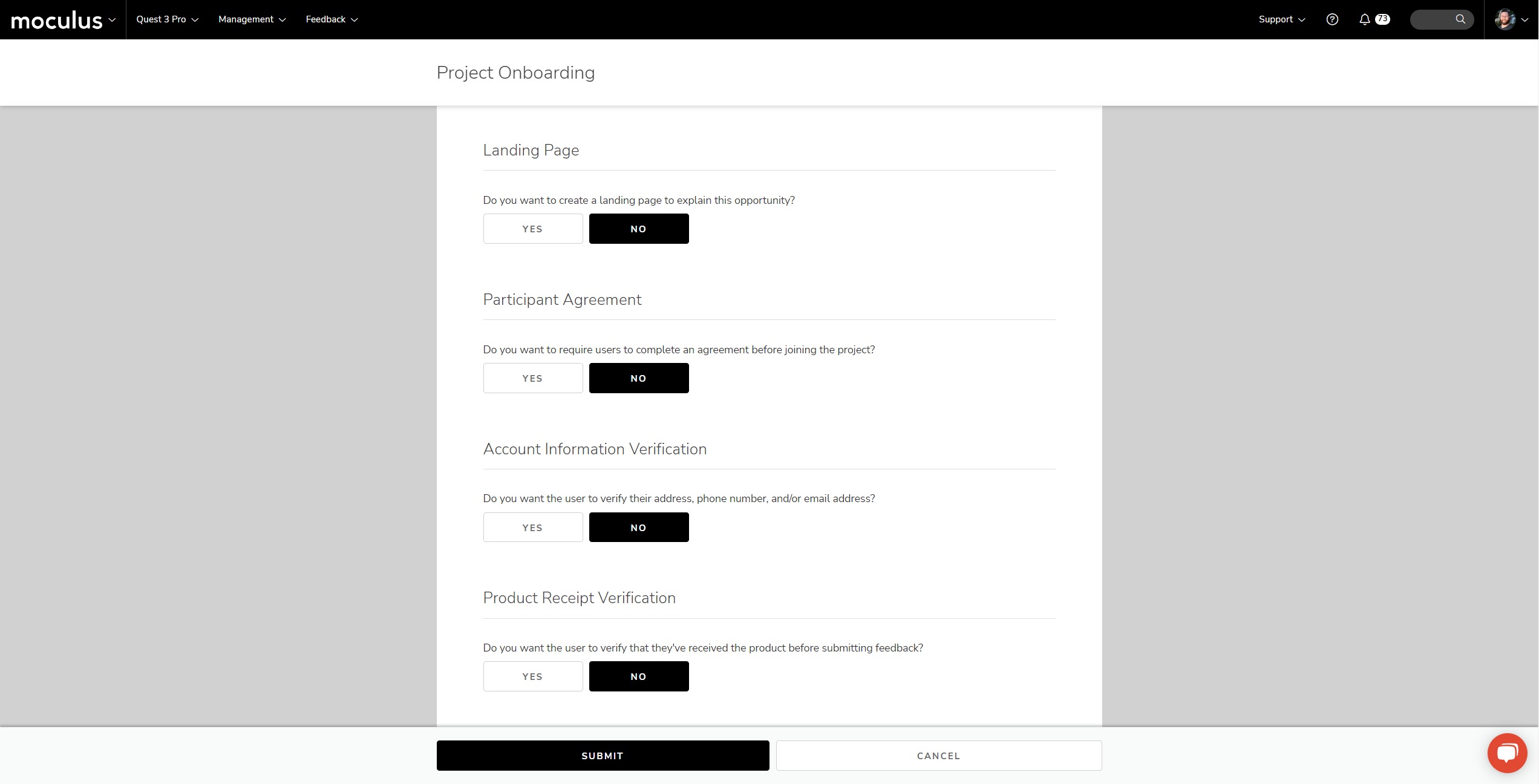
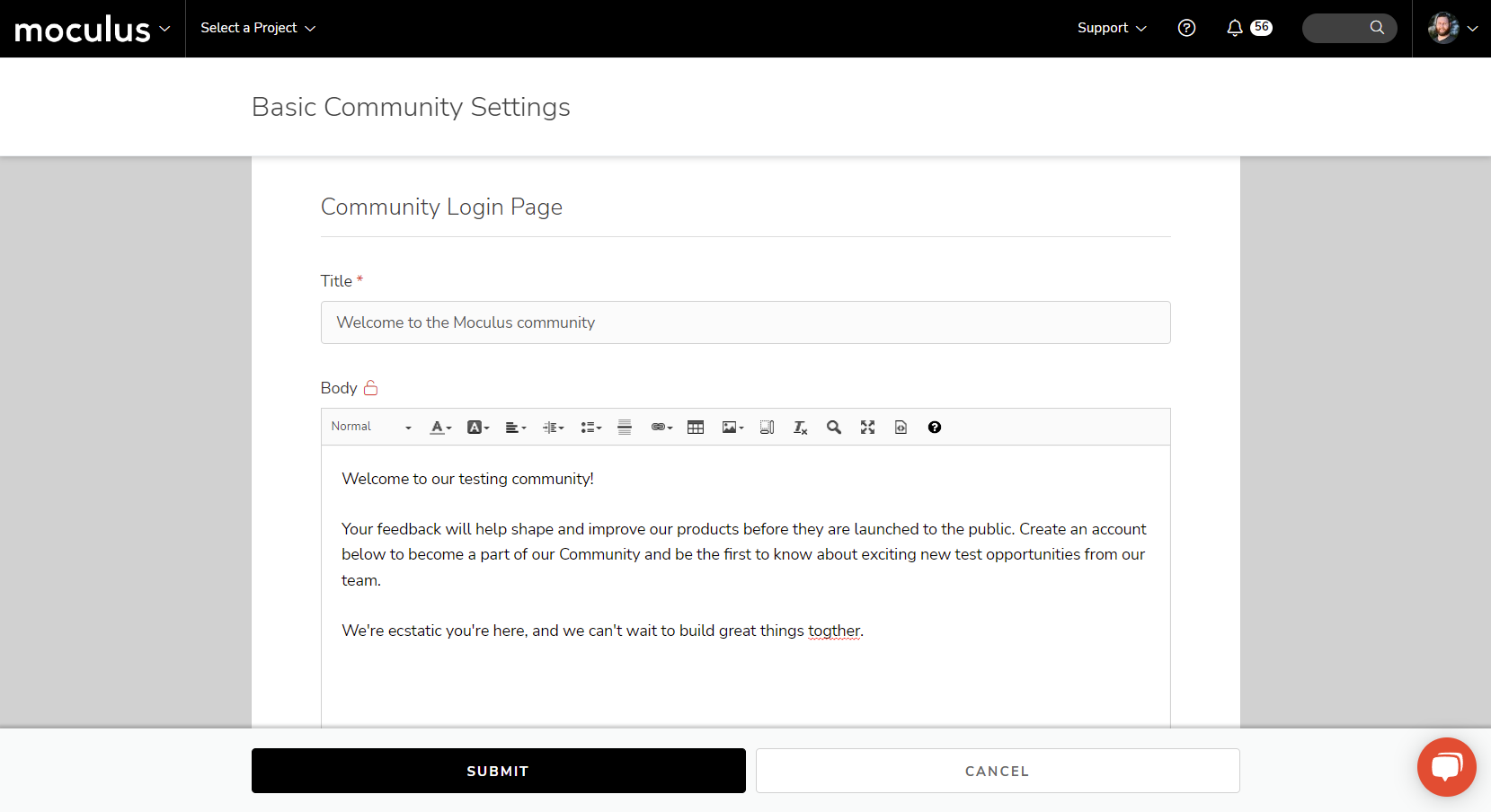
Alongside this new Onboarding tool, we've added the ability to create a simple one-size-fits-all Community Login page, which is located within the Basic Settings section of your community. Getting your Centercode community up and running has never been easier!
Improvements
#Remove Ted via Template Settings!
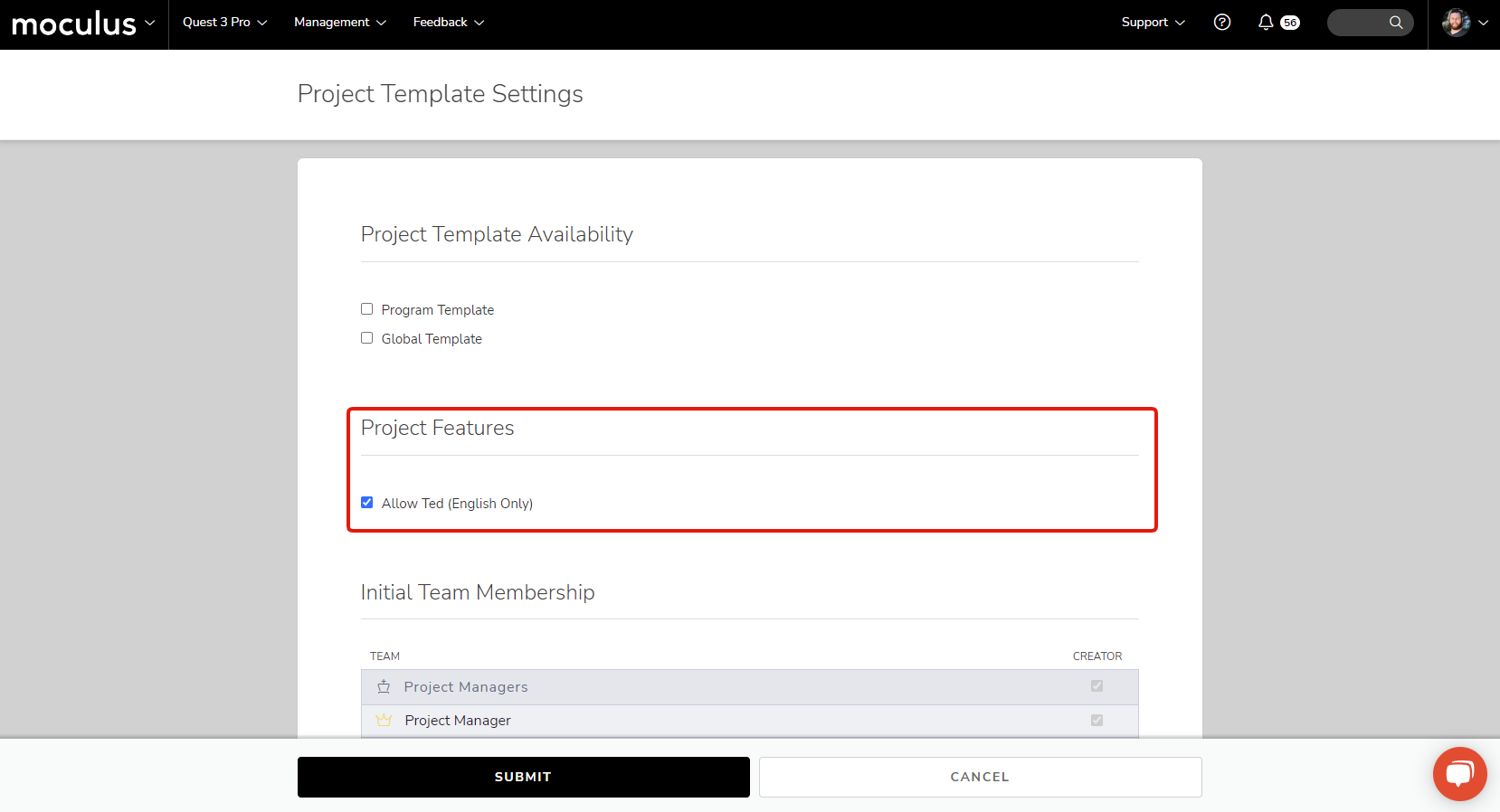
While Ted can be an invaluable resource for keeping your testers motivated and engaged, he's only able to do so in English, though he's working on his multilingual skills. To this end, we have added the ability to turn off Ted entirely and remove all associated icons and menu links ensuring that he doesn't show up in non-English tests.
This setting is located within the Project Template Settings page, shown below:
#New Default Views!
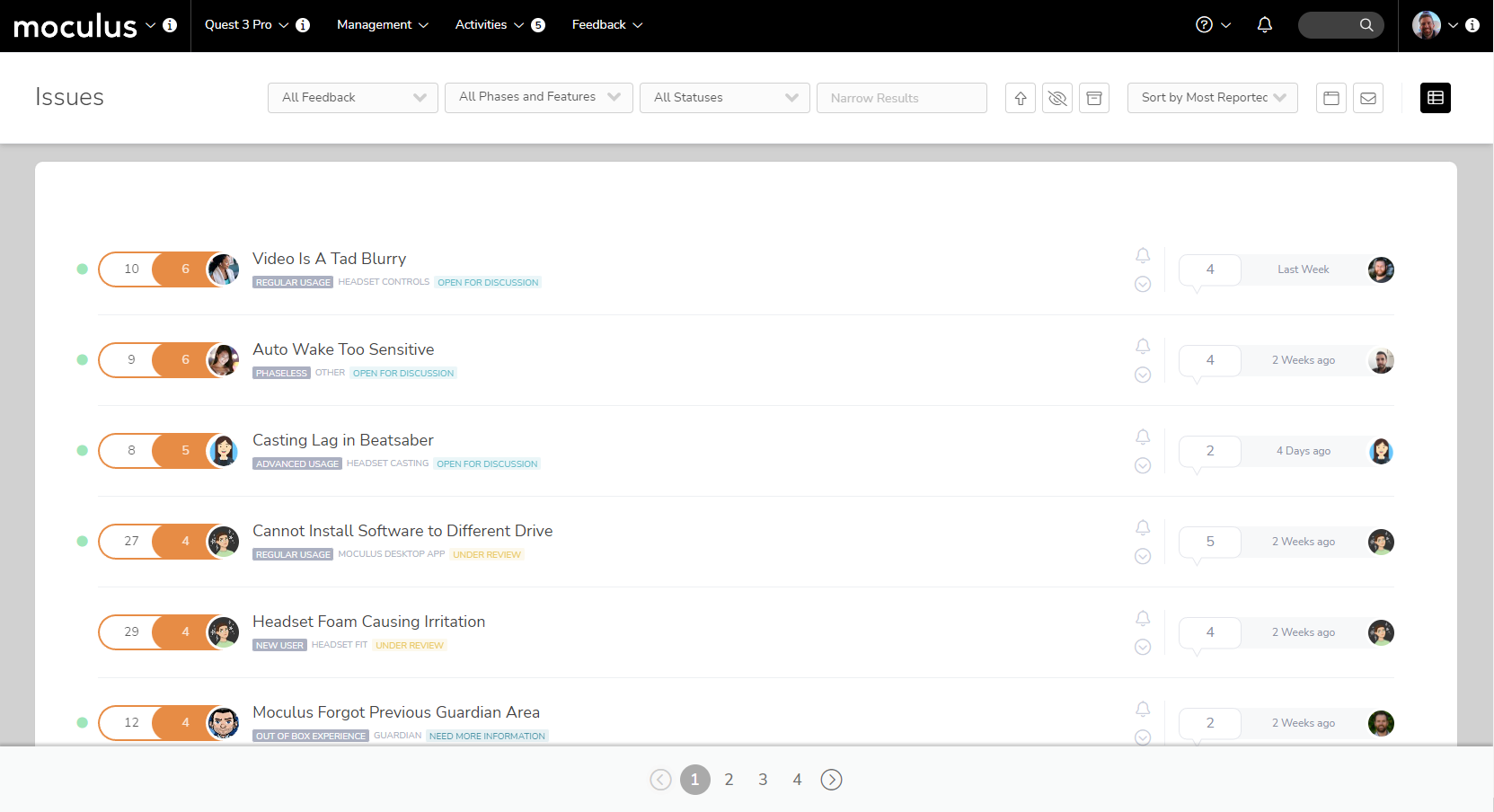
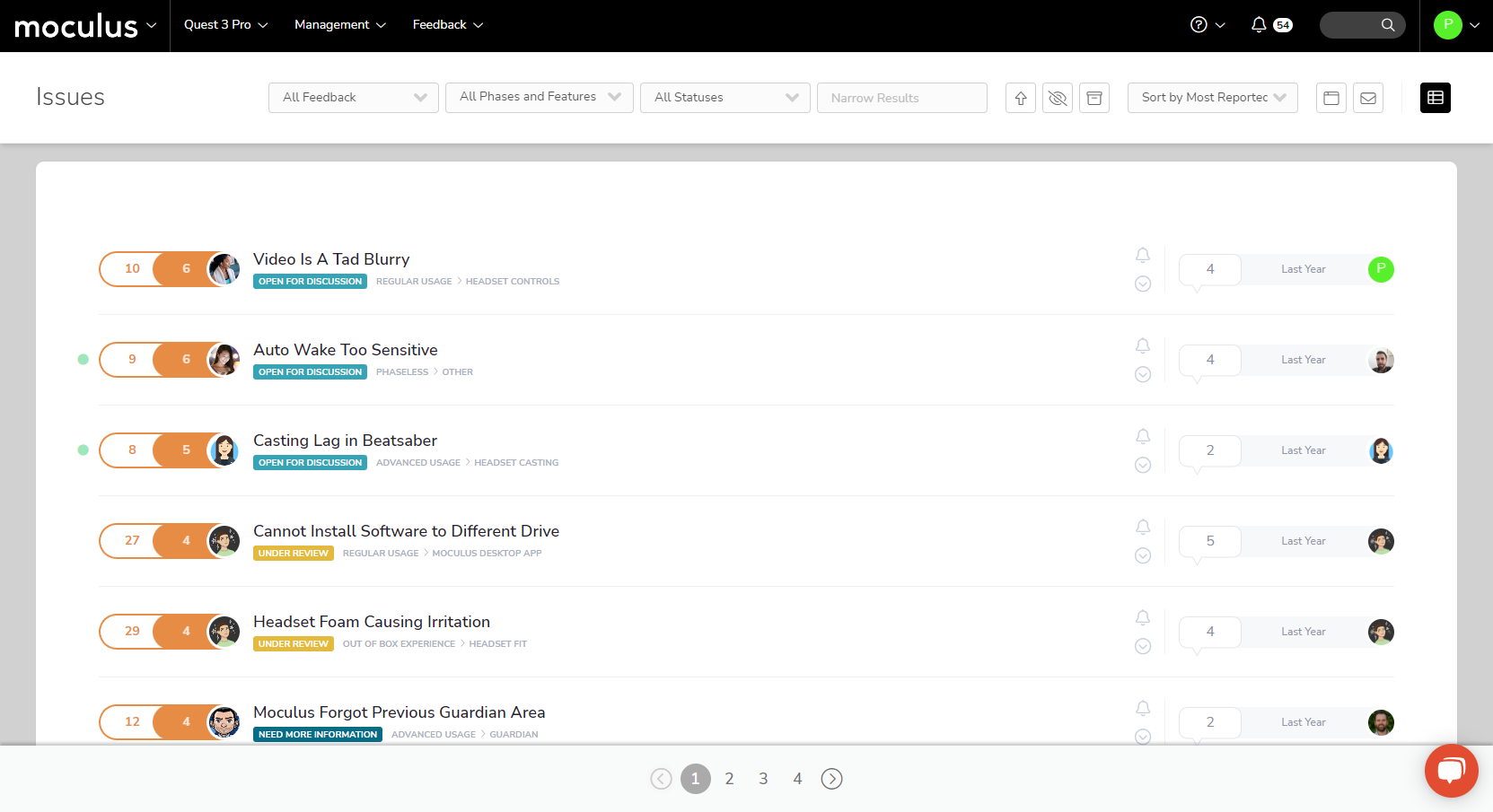
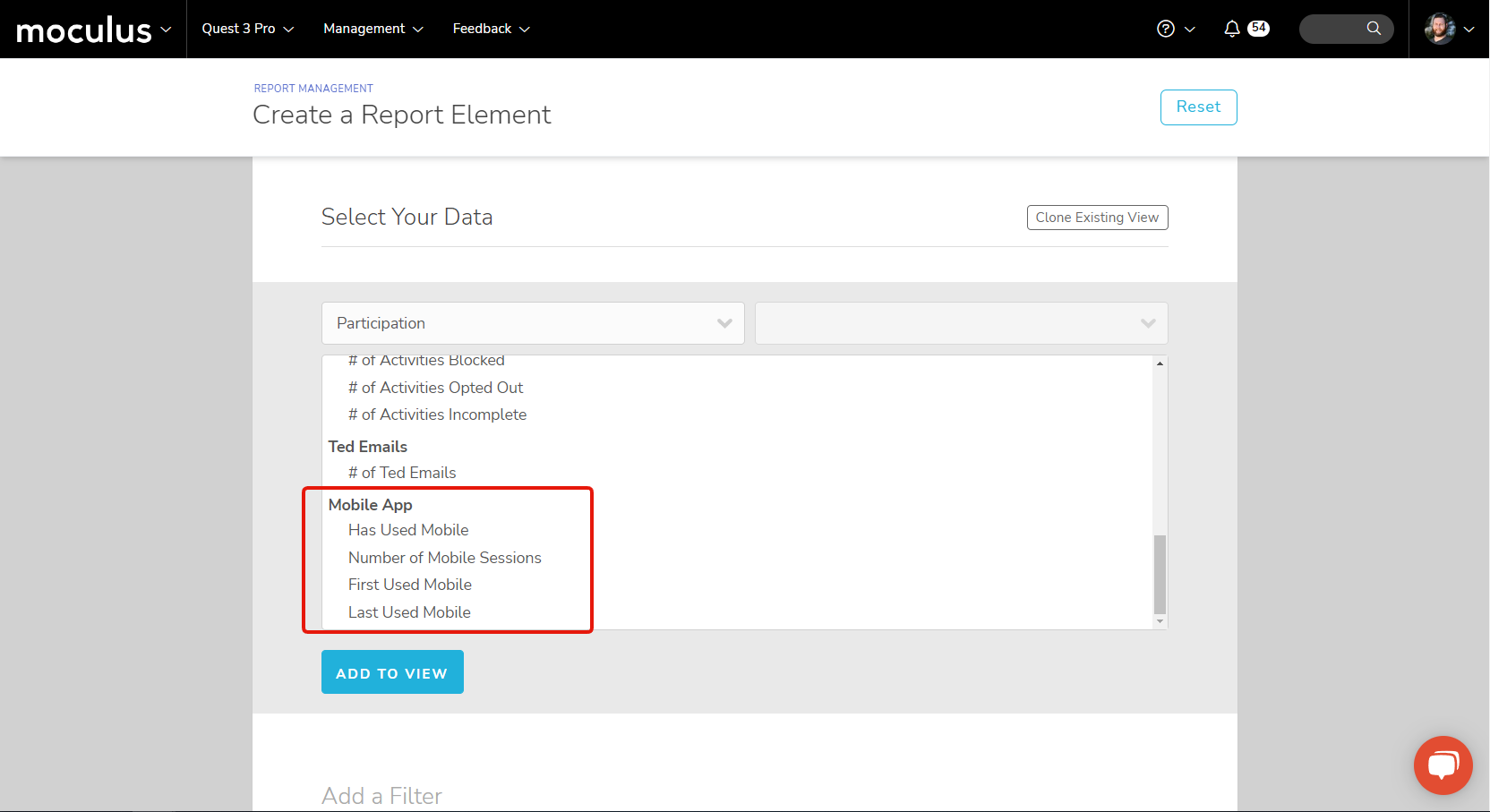
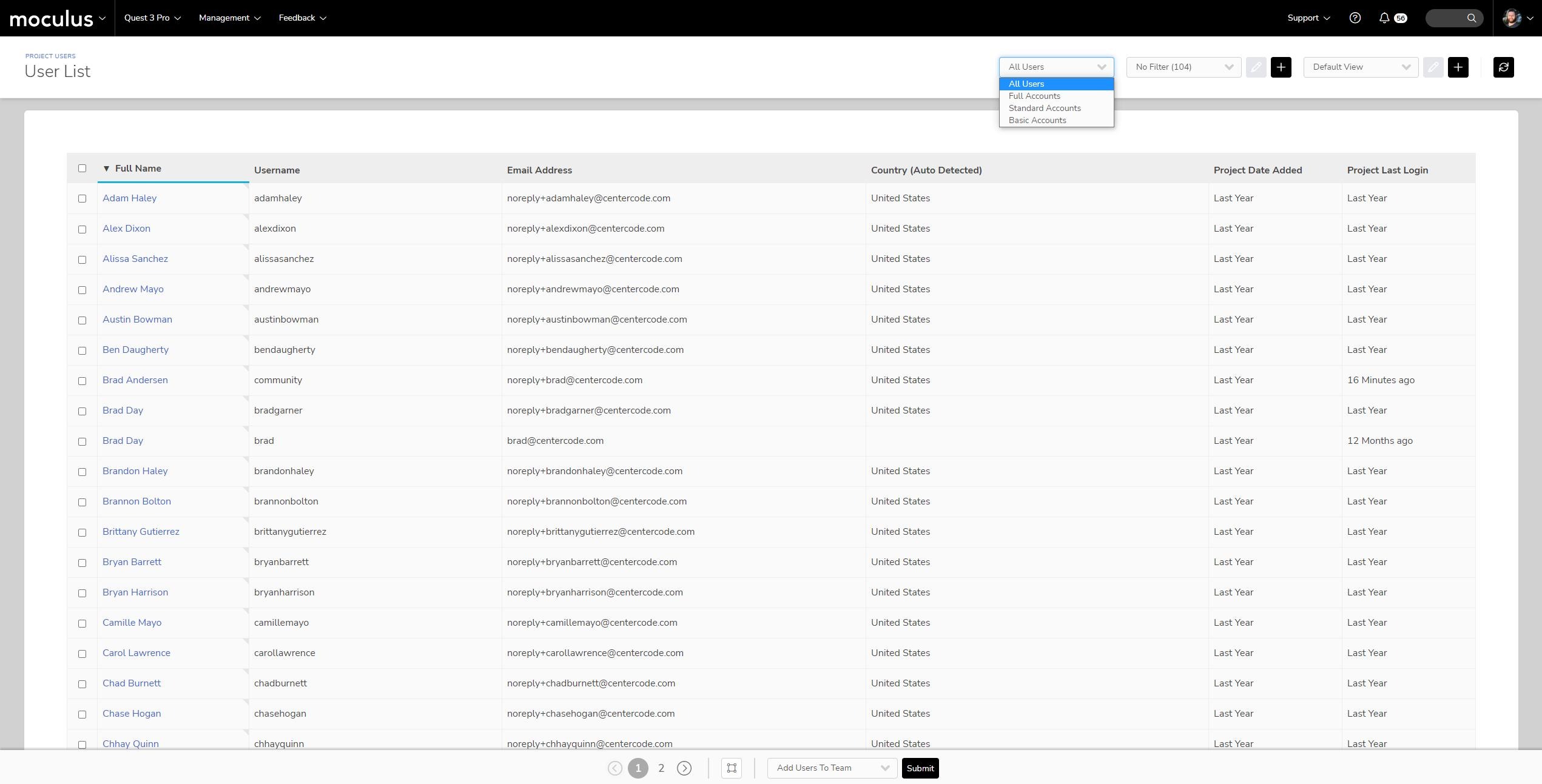
We've updated our default views for both feedback and user searches to include additional commonly searched for information. This includes information like "Created Date" and "Last Login Date" for user searches, and "Title," "Status," and "Impact Score" for feedback ticket searches. In addition, the user type super filter will now filter based on the new account types.
#Subscription Dashboard Update for the New Editions!
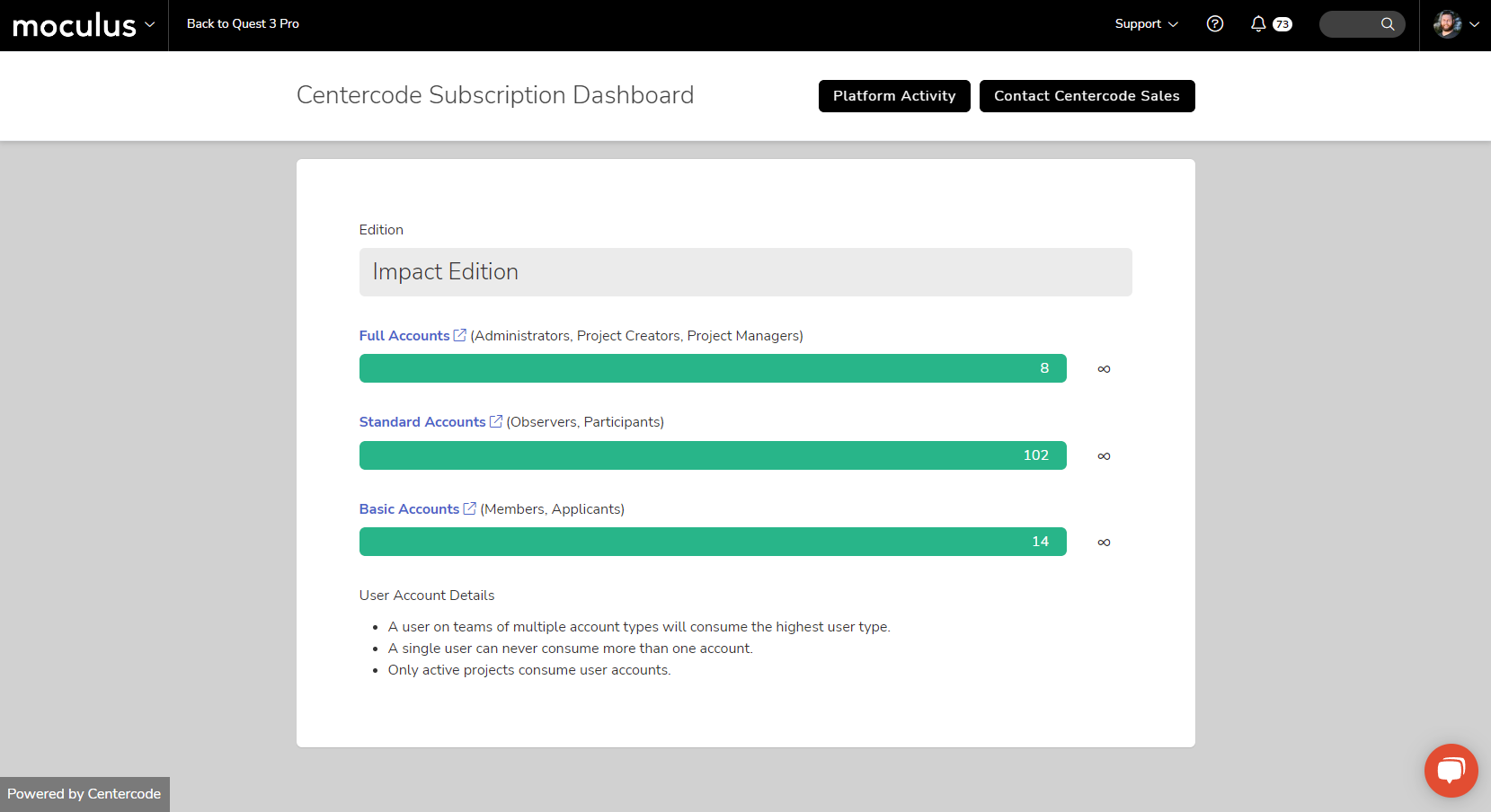
Tied in with our new product editions and user roles, the Subscription Dashboard has a new look for customers using one of these new editions. This updated dashboard makes simple work of keeping track of your users and how many remaining seats you have for each account type. Your edition and seat limitations are clearly listed, and it has easy-to-read color-coded bars that let you know when you're approaching any of your seat limitations.
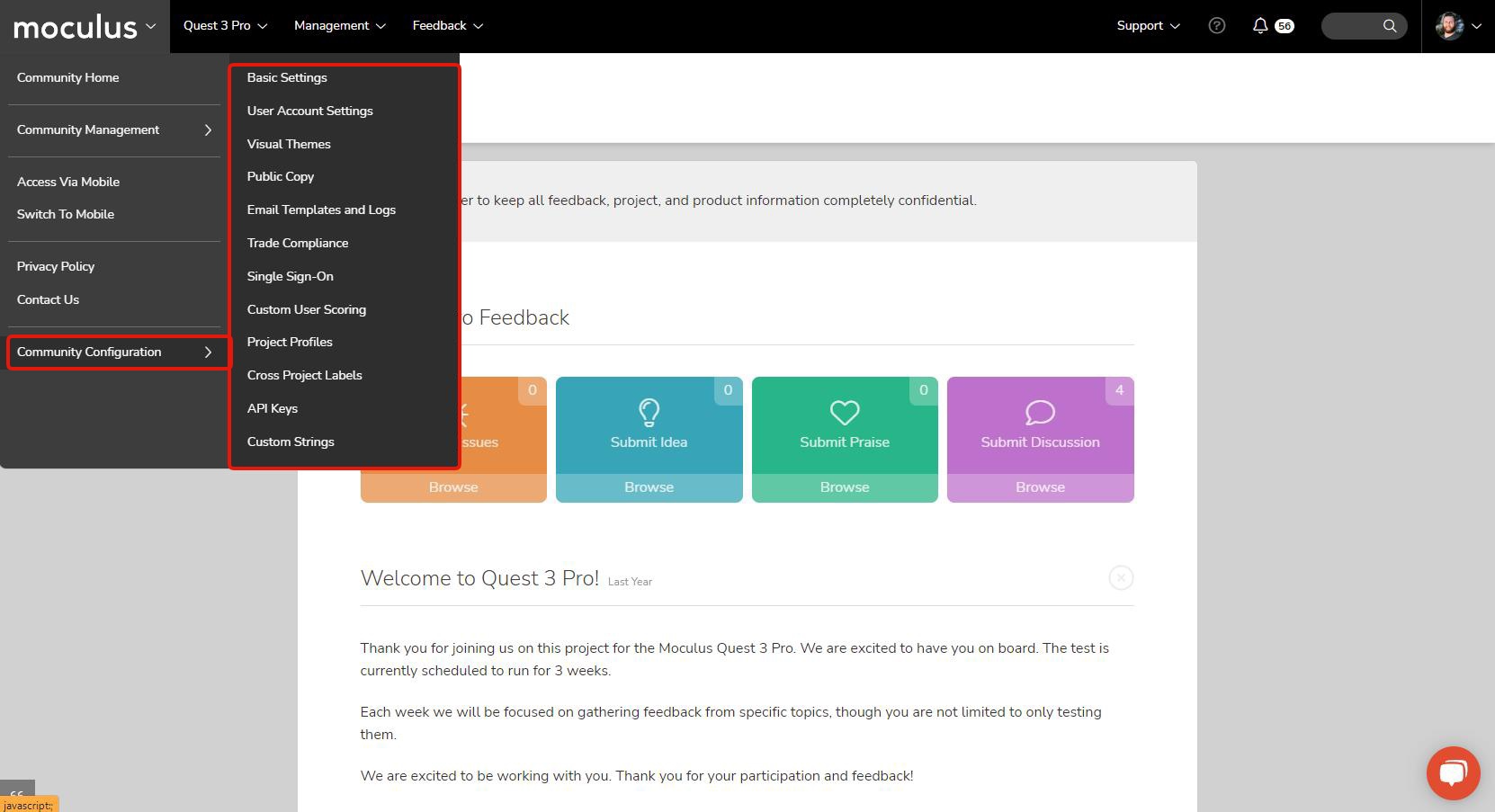
We've streamlined and updated how you access community configuration options to be more coherent and consistent across the platform.
You can now access all of the tools previously located on the Community Configuration page in a new Community Configuration fly-out menu at the bottom of the main Community Menu, similar to how Project Configuration options work. This means an easier to understand menu and fewer clicks to get where you need to go 🎉.
#Project Creation Polish!
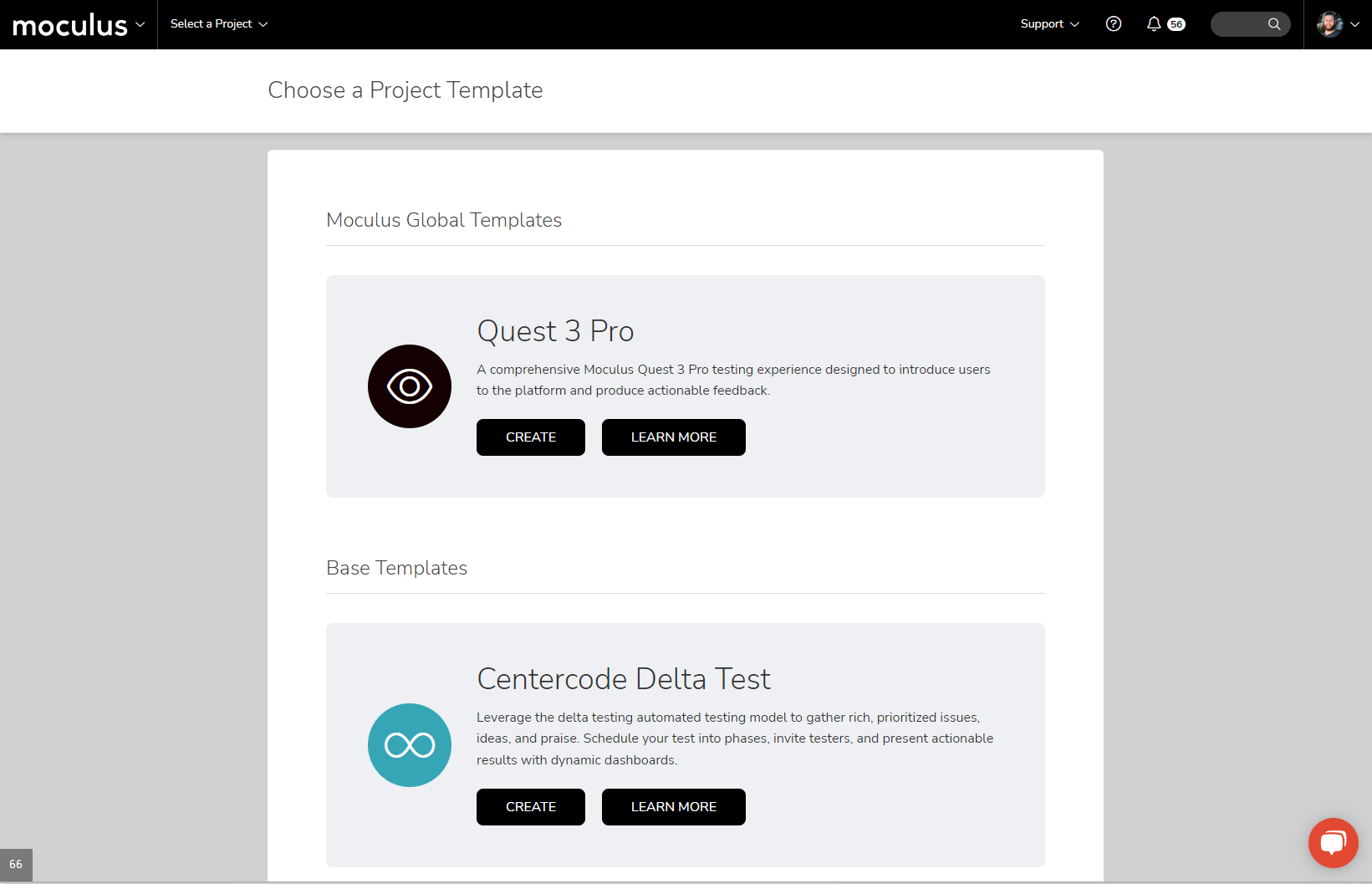
We've given the Project Creation menu a fresh coat of paint, including new icons, a more distinctive color, and clearer language. In addition, the system will now skip the Template Selection screen if there is only a single template available. This means getting your new project started is easier than ever!
We want Centercode to be accessible and easy to navigate across a variety of hardware setups, no matter the size and complexity of your project. This improvement updates the menus in the Navigation Bar with a scroll bar for those moments when your browser window isn't tall enough to show all possible menu selections.