Tis the season for gift giving, and boy do we have a pile of presents for you this month! Refresh your coffee - this one’s a doozie!
December kicked off Centercode’s inaugural 🎊DevJam🎊. We gathered up a huge number of fast but super impactful bugs and improvements from nearly every area of the platform, and our devs competed to implement the highest number, the most valuable, and the most anticipated improvements. The result is a whooole lot of presents under the Centercode tree this year! Vote here for which of these changes you like the best.
And the fun doesn’t stop there: We also hung a few stockings packed to the brim with UI improvements to give Centercode a new look for 2024.
#Improvements
#A fresh round(ing) of UI improvements!
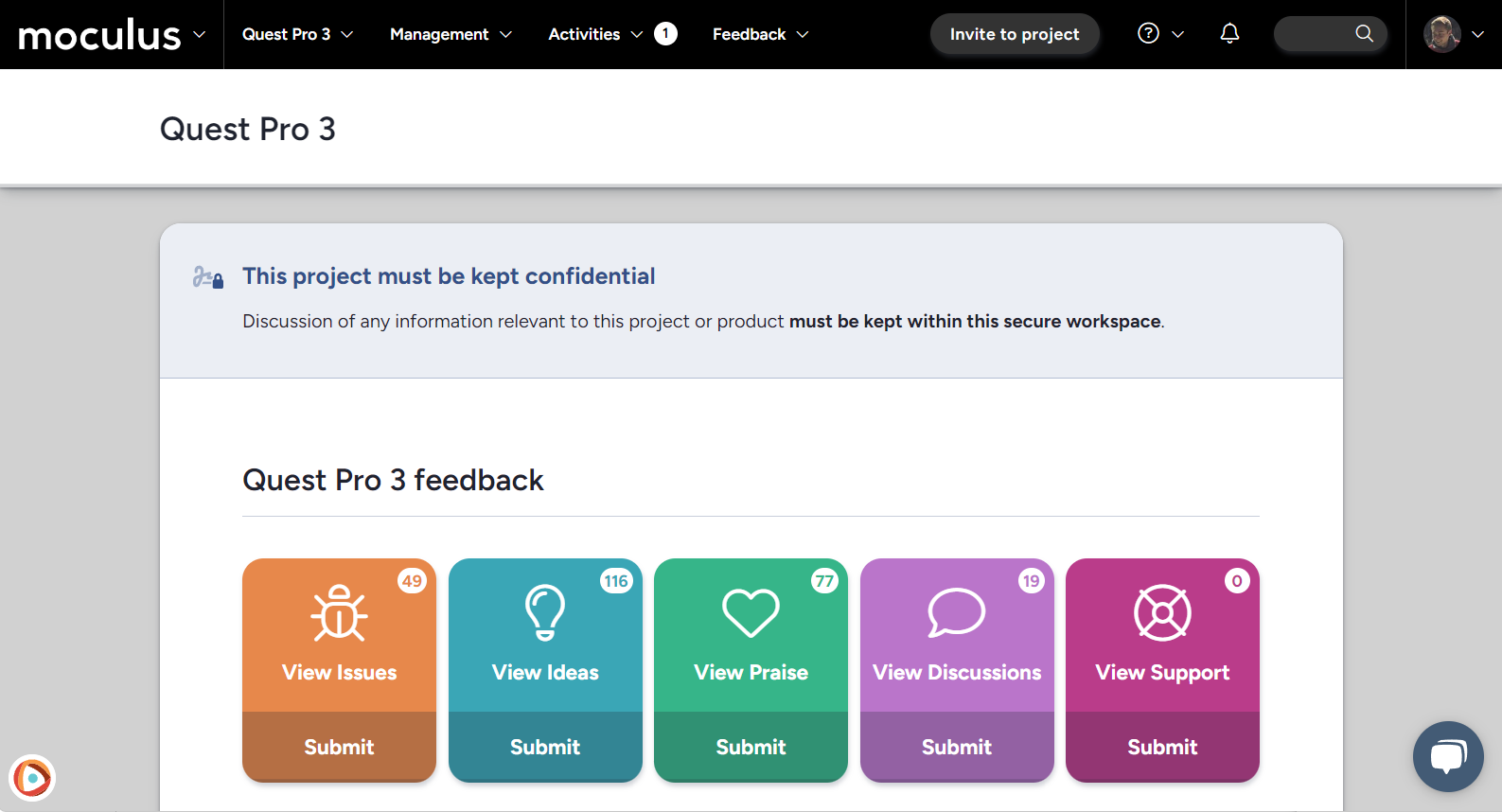
Not only is it the season for gift giving, it’s the season where we all get dressed up in new sweaters and socks (thanks Grandma!)—and Centercode has a new look to show off as well, with a fresh round(ing) of UI improvements!
#New Font
First up, we’ve got a bolder, clearer, more readable global font! Note that if you’ve used CSS to change the font in your site, your customization might need some post-update attention. Let us know so we can help!
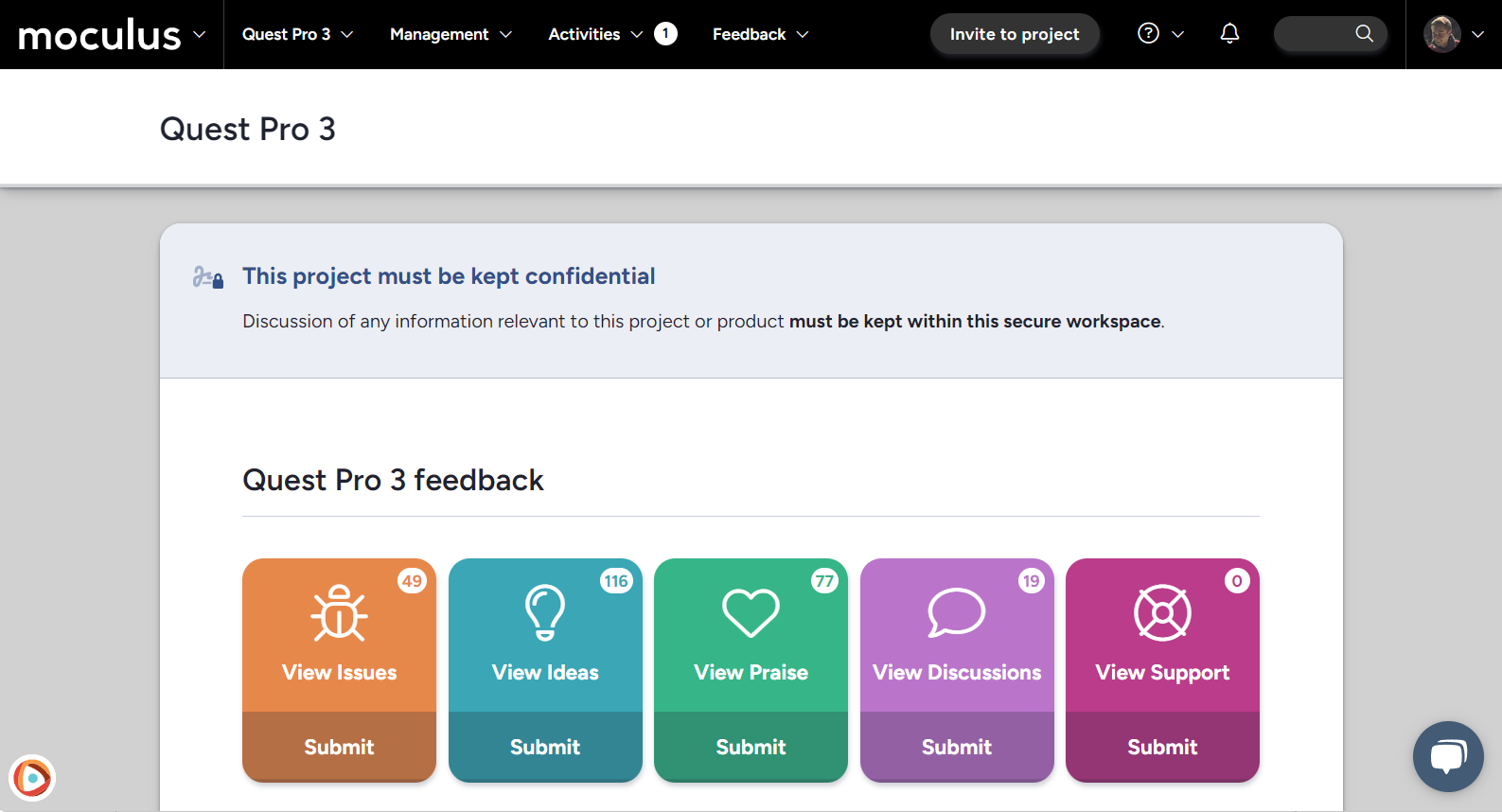
#New Infoboxes
Next up, a new look for our infoboxes, including a redesigned layout and eye-catching icons for each infobox type!
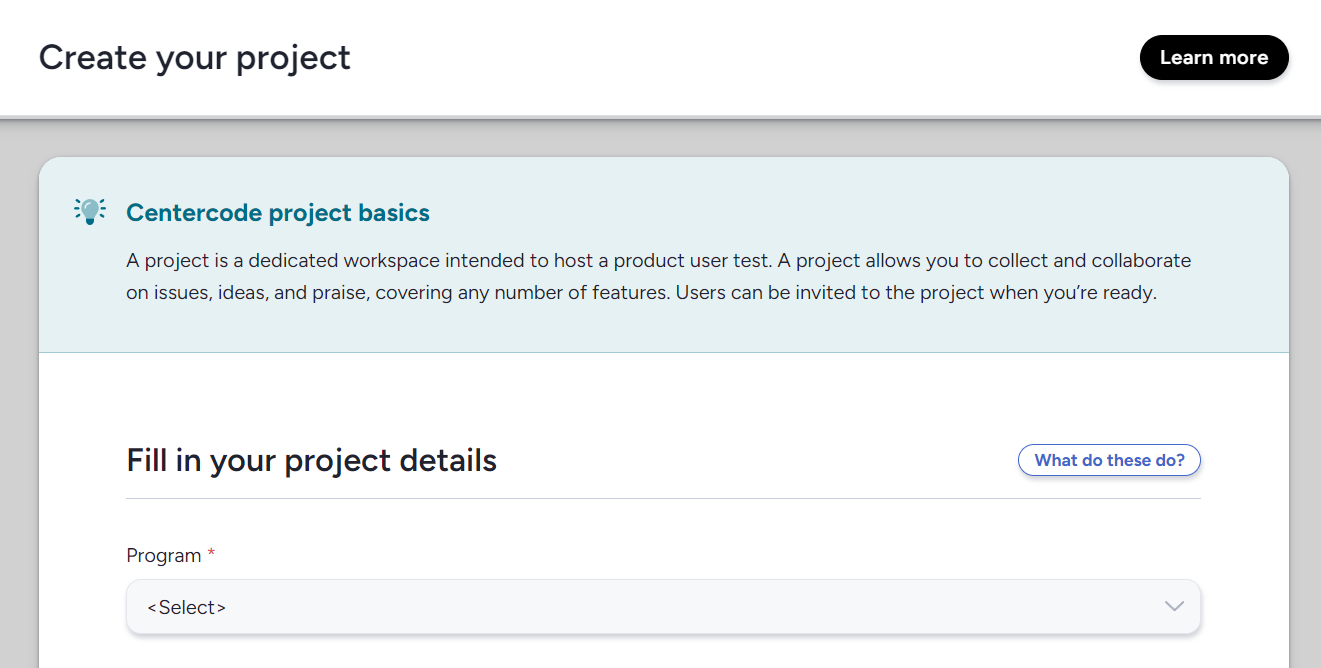
#Rounding
A new rounded look for most buttons, checkboxes, and dropdowns throughout the site! (After all, would it really be the holidays if we didn’t all get a little… rounder?)
#DevJam Improvements
#An avalanche of improvements!
Without further ado, here is the list of the many, many DevJam improvements! We’ve highlighted a few of the bigger changes and summarized the rest. You’re welcome to reach out to us via in-site chat or email if you’d like clarification on any of these items!
#Usability
" data-embed-image="https://t.gyazo.com/teams/centercode/thumb/1280\_w/eyJhbGciOiJIUzI1NiJ9.eyJpbWciOiJfOTliMmEwNzk4ZTdmZTZlOThlMDA4NmQzZjA5OTg3OTkifQ.NH0UELRTc1L9ZHUZFvaggMiw91VIMxYsu-XfVfPnNdY-gif.jpg" data-embed-signature="3OotQ1CtUvEv0fgG9180Iwxppw0i74fDOzle2qVLhwg" data-embed-url="https://centercode.gyazo.com/ddf6dd8901a68836d3a39f36df8e5cdd">
We increased the “stickiness” of the flyout menus throughout the platform, giving you a little wiggle room if your cursor strays off the menu for even a moment.
#Updated the “Submit” button on email send to “Preview”, to highlight that a preview step comes next
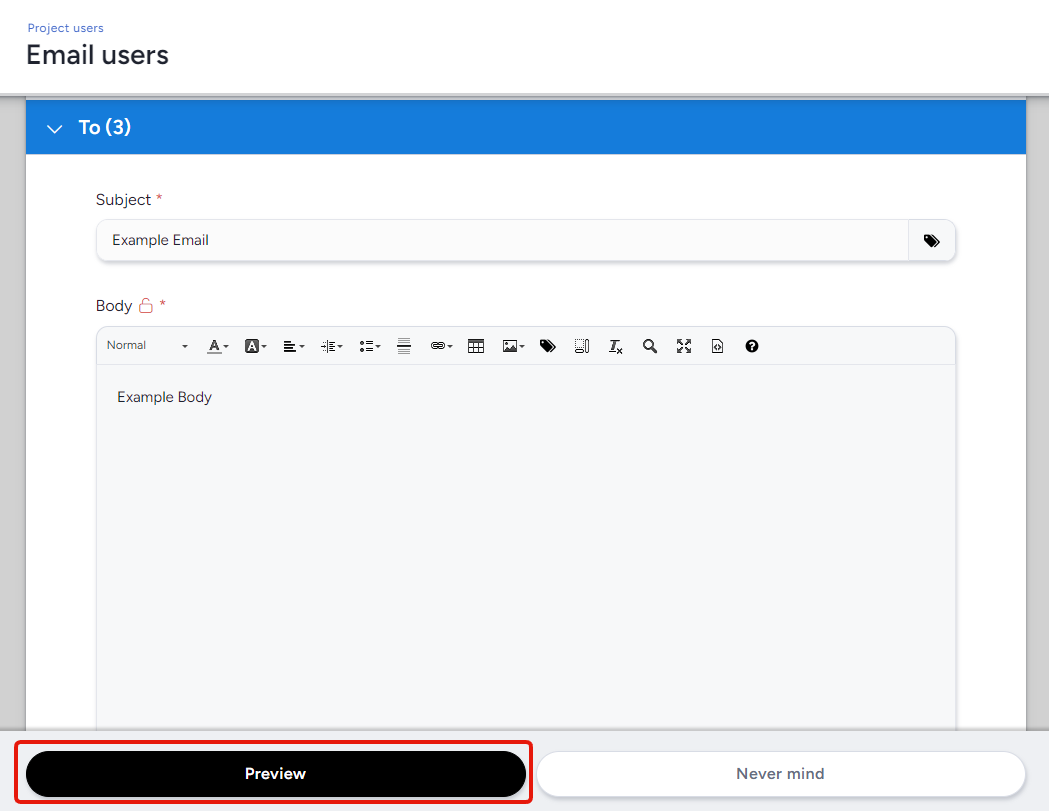
The updated button text makes it clearer that you’ll proceed to a typical “preview” step before finalizing the email being sent.
#Two buttons were added to the Team management page, allowing you to quickly view the list of users on a given team or jump straight to emailing them
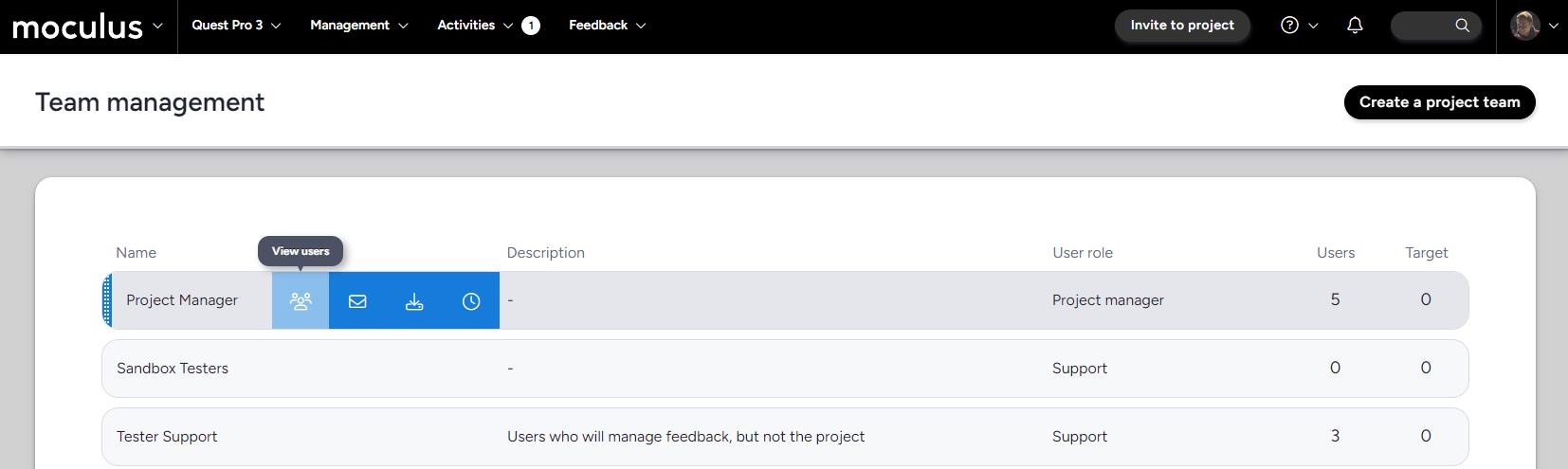
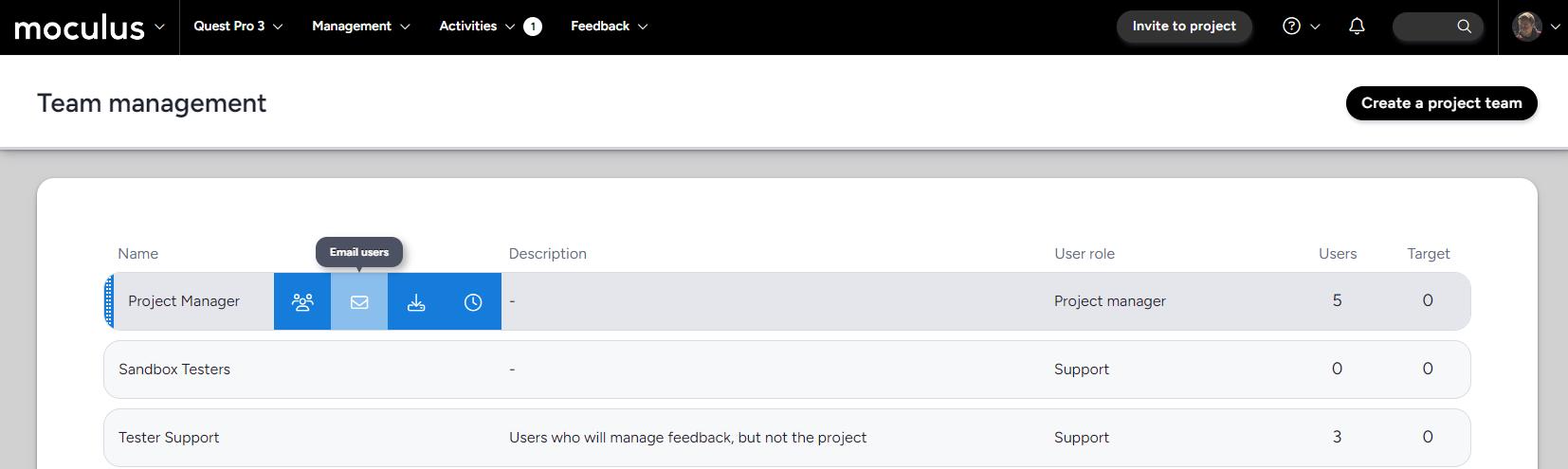
These handy buttons take you to a user list that's filtered to the relevant team and a shortcut for emailing users on that filtered list.
#Archiving a resource group now archives the items within
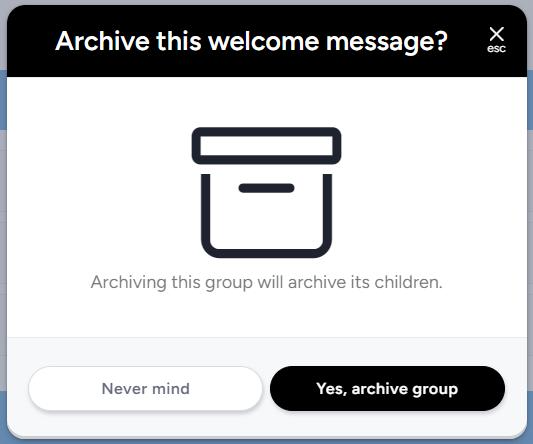
Archiving a resource group (including content, releases, surveys, feedback types, and user profiles) will automatically archive all the resources within it.
#A quick “Copy to clipboard” button has been added to invitation type modification pages
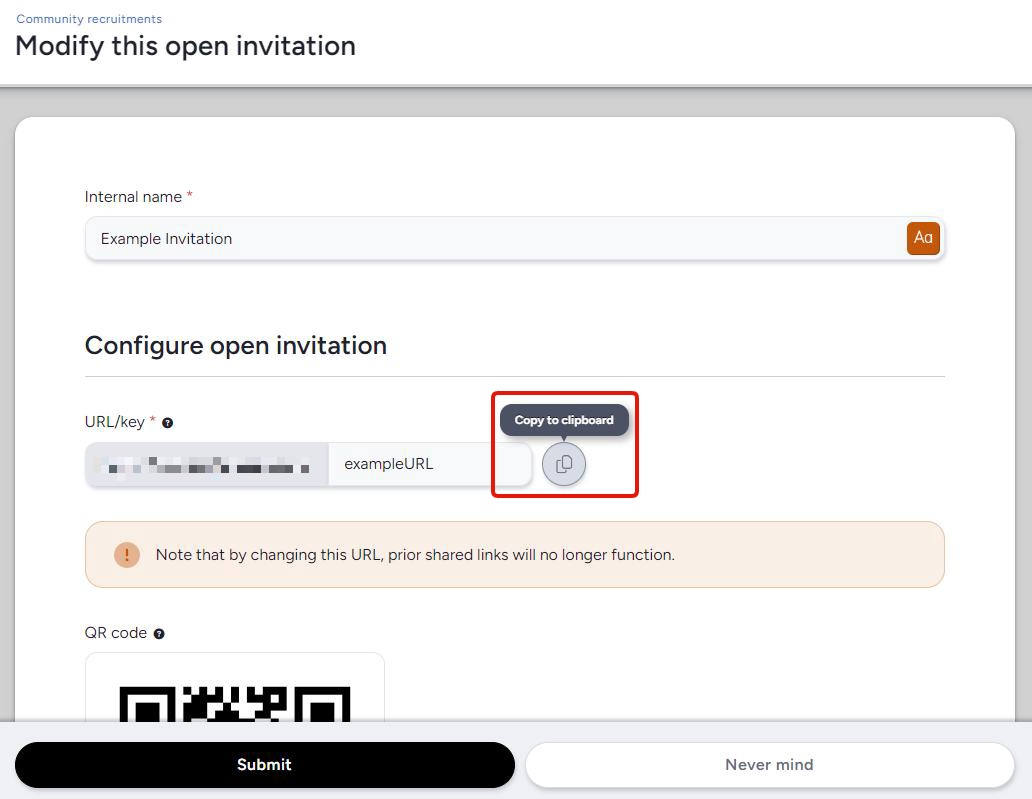
Easily grab a link you can paste elsewhere via this handy new button on the Modify this invitation type page!
And more!
- Added the "type to filter" ability for the timezone drop-down menu on the Account settings page
- Updated background colors in team blocks that are conditional based on a checkbox
- Added the outgoing email address to the email log results page
- Added the user account of each recipient to the email log view page when applicable
- Improved email log performance by limiting filter results to show a max of 100 email per page (instead of 1,000)
- Searching by subject line now works appropriately in email logs
- Added confirmation and error growls to “Mark read” button on the Following page
- Added commas in list footer values (e.g. 1234 is now 1,234) to improve readability
- Simplified the process of creating a form group
- Searching strings now responds to pressing enter instead of requiring you to click "search"
- Previewing content or releases now appropriately shows the Distributed value block
- Added new details to theme management including how many projects the theme is used in and when it was last updated
- Support-type user accounts can now attach files to content
- In the project summary, Project Manager names now link to that user’s user summary
- The right panel has been restored after feedback is duplicated
#Feedback
#We added a hover-tip when using the “previous” and “next” navigation arrows on the Feedback view page
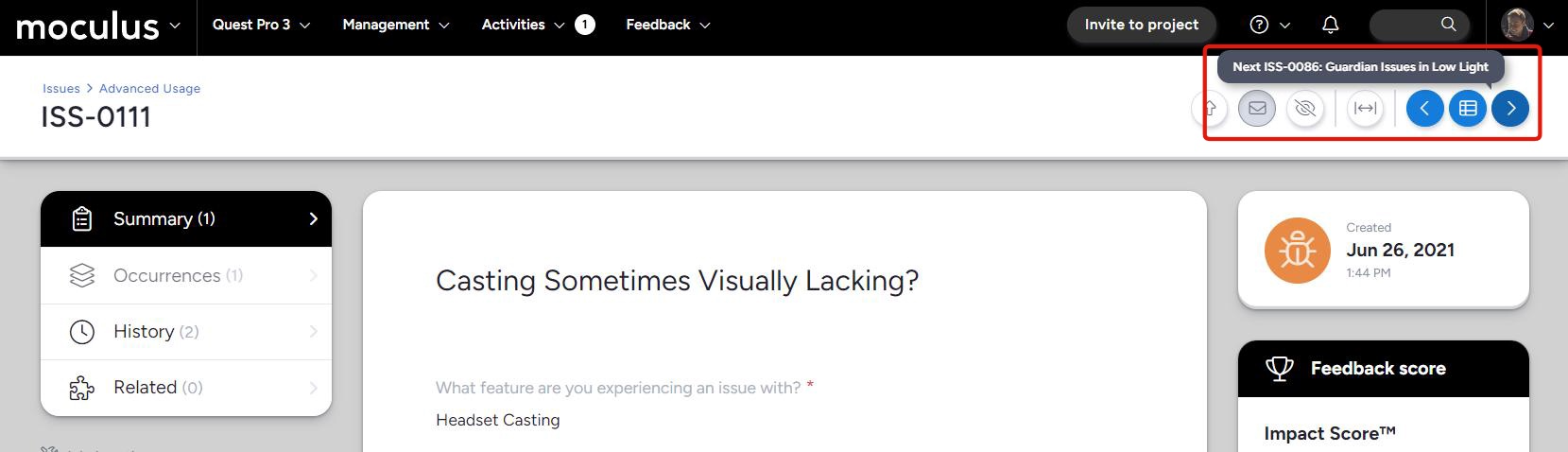
Get a preview of the name and ticket number you’ll be taken to when hovering over the navigation arrows in the feedback ticket view! This way, you’ll always know which feedback is coming up next.
#Added a setting to allow replies after feedback is put into a resolved state
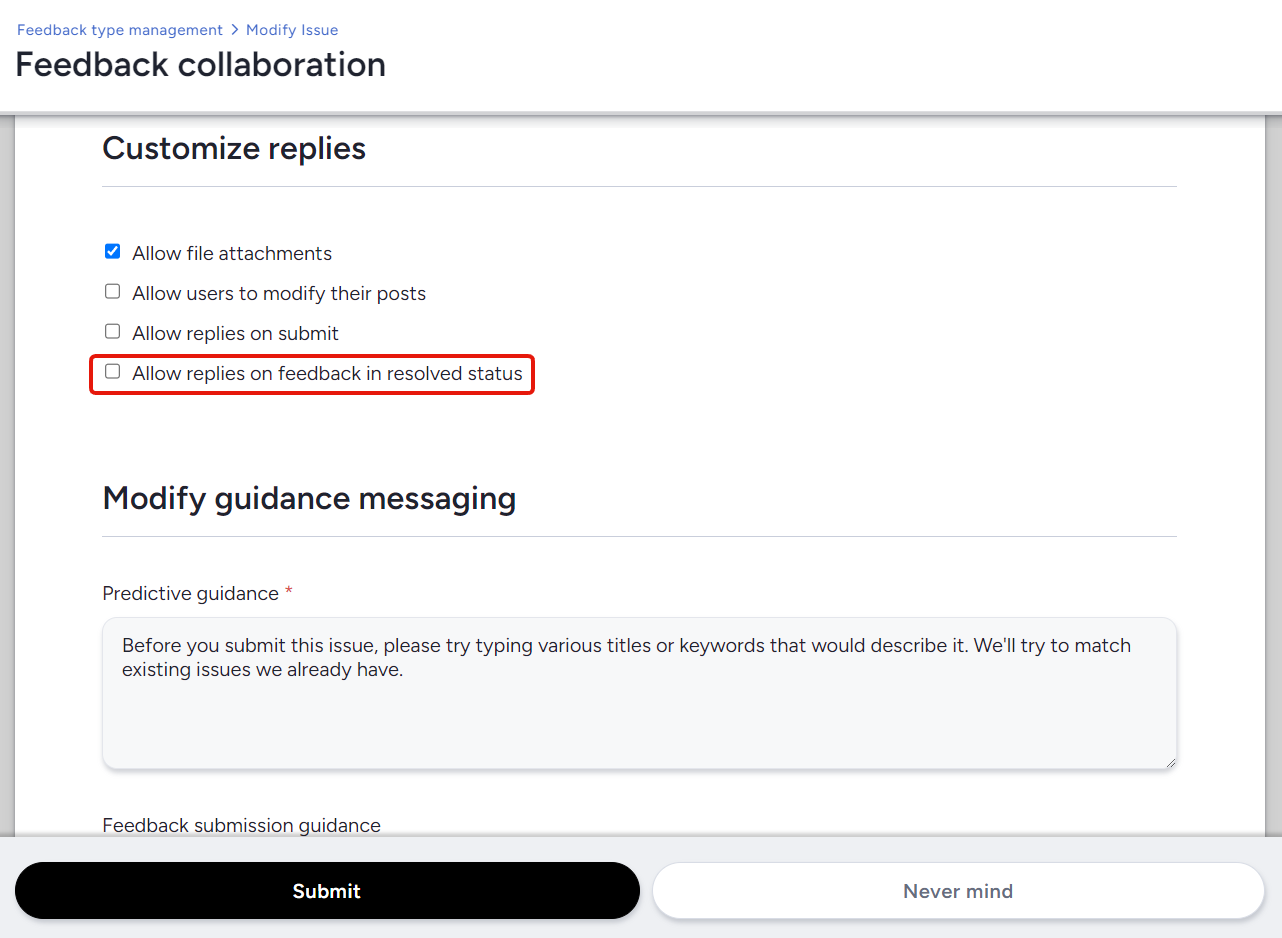
This new option will allow new replies on closed feedback so discussion can continue on feedback you have marked as resolved. This gives you more flexibility in how you use resolved statuses.
And more!
- Feedback button links now show unread feedback, as opposed to YOUR feedback
- Added distributed values to the feedback view
- The duplicate feedback box now has appropriate empty message formatting, and converts to a button when results are found
- Navigation buttons are no longer lost after marking feedback duplicate
- Activity completion now consistently directs testers to the correct feedback type
#Surveys
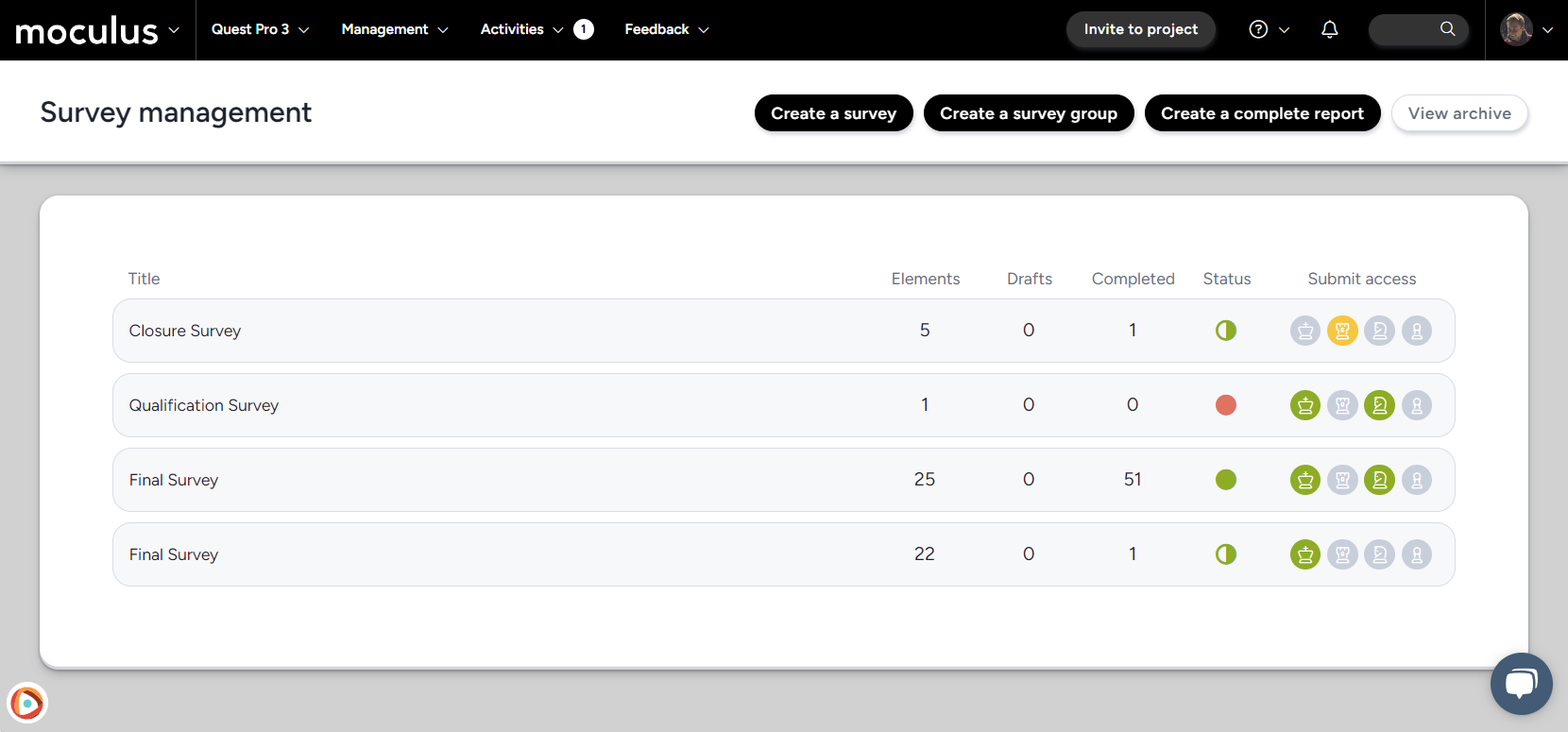
#A list of users who’ve completed a specific survey is now one click away
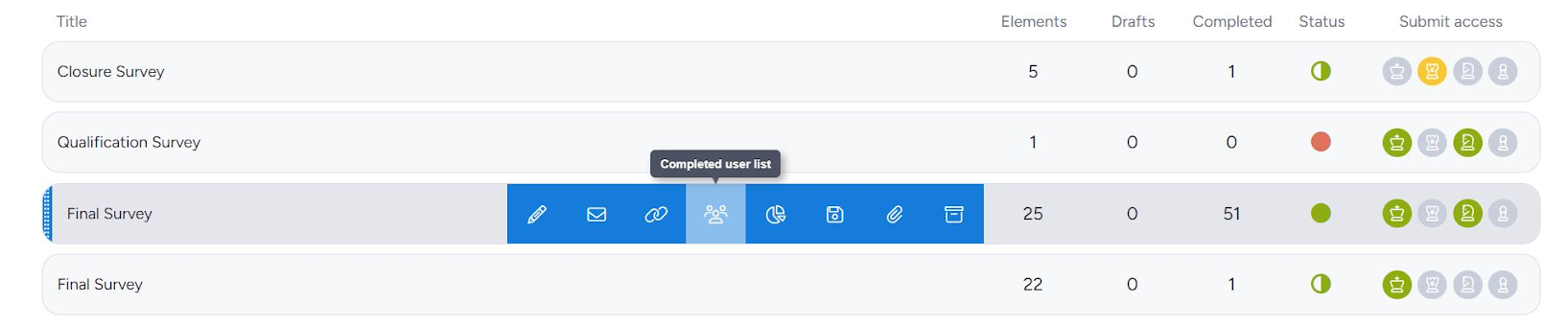
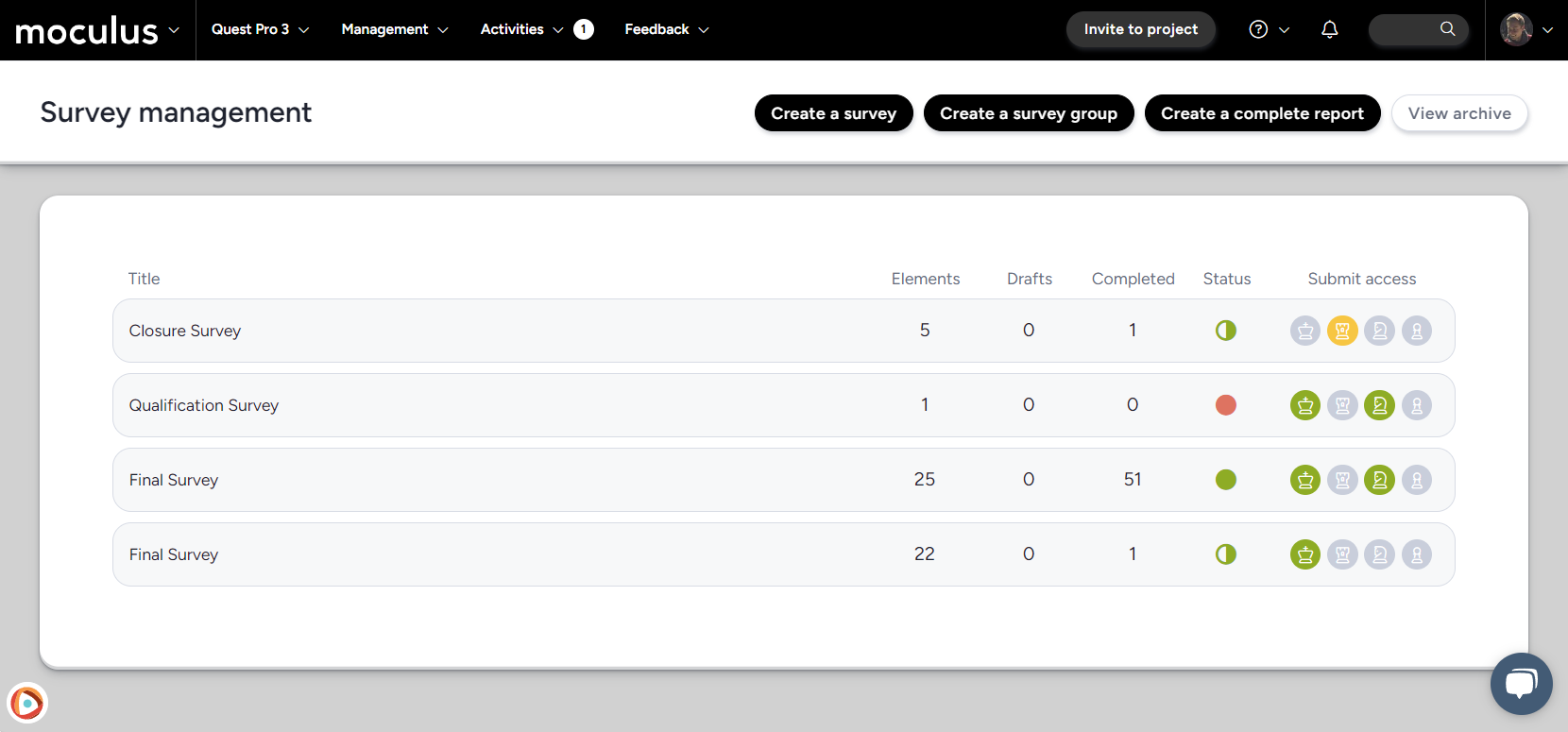
This handy new button takes you directly to a filtered user list of user accounts who have completed the survey!
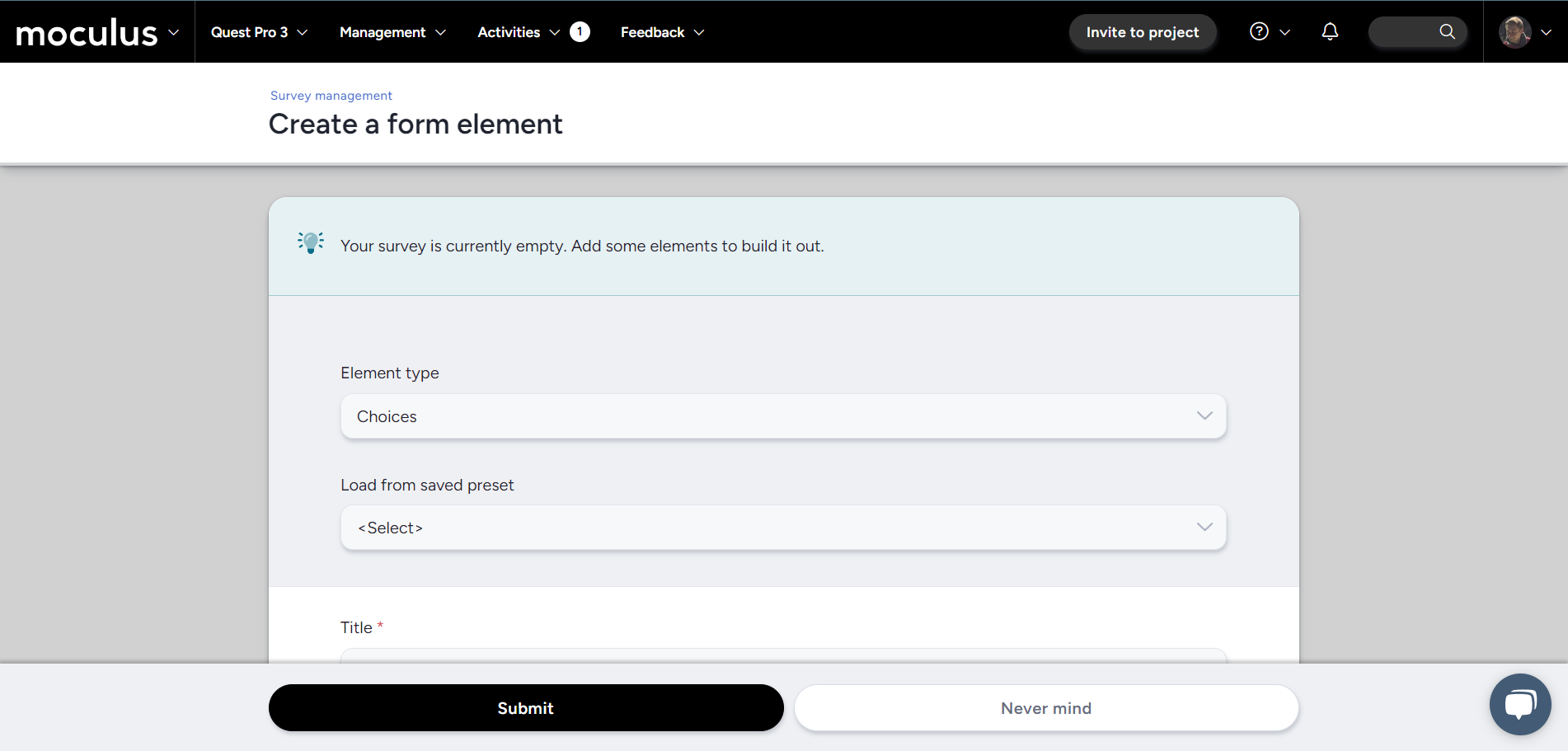
When customers create a new survey, it's obviously pretty common to add questions to it. We've shaved off the manual step of clicking the "Add a form element" button to make the survey creation process just a little bit smoother.
And more!
- An explanation message now displays when viewing a survey that has been removed
#Recruitment
#We’ve updated the “go back” (aka “Never mind”) functionality when preparing onboarding emails
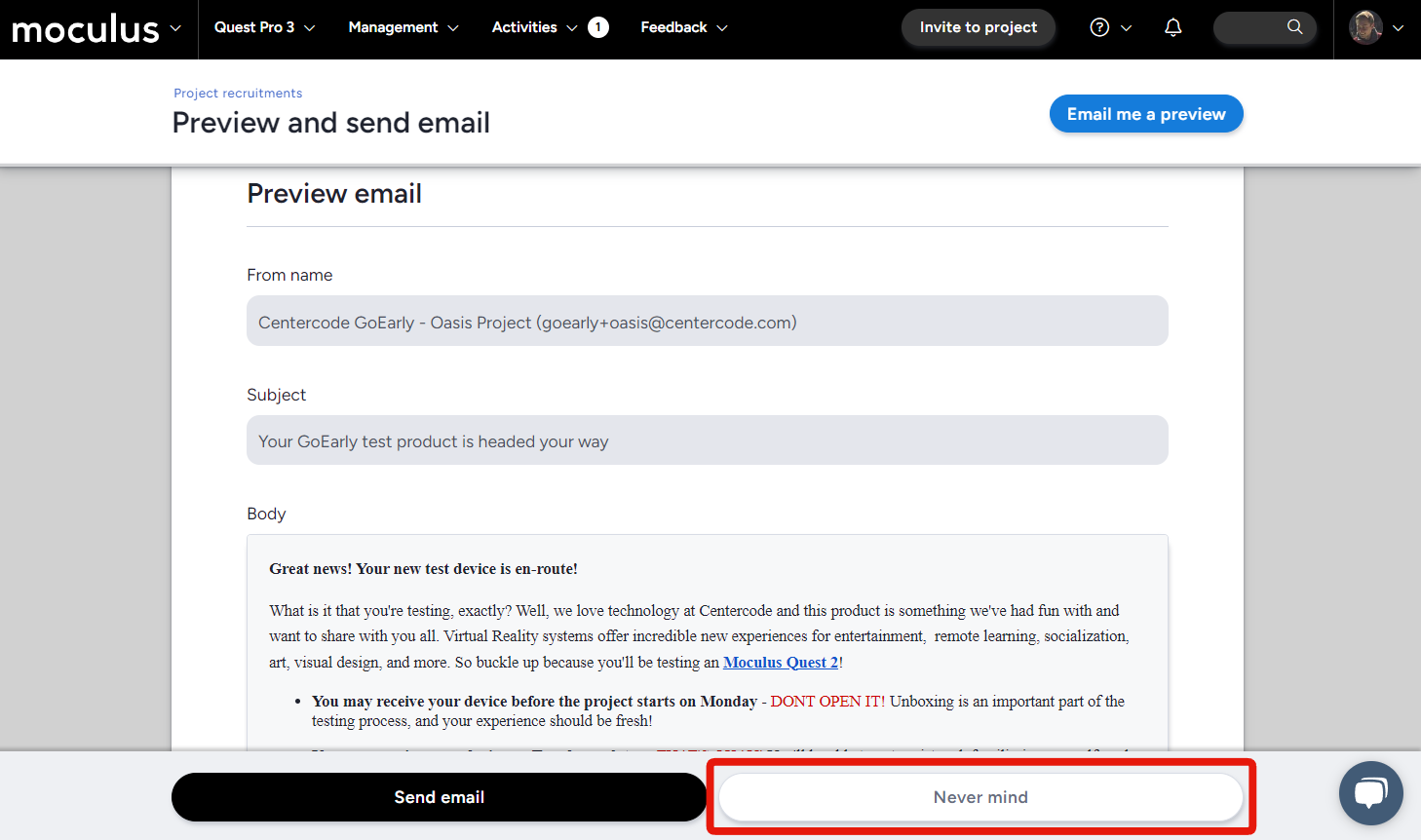
When previewing an email before sending it, the “Never mind” button will now return you to the email editing screen, allowing you to easily make last-minute changes instead of getting kicked all the way back to editing the invitation type.
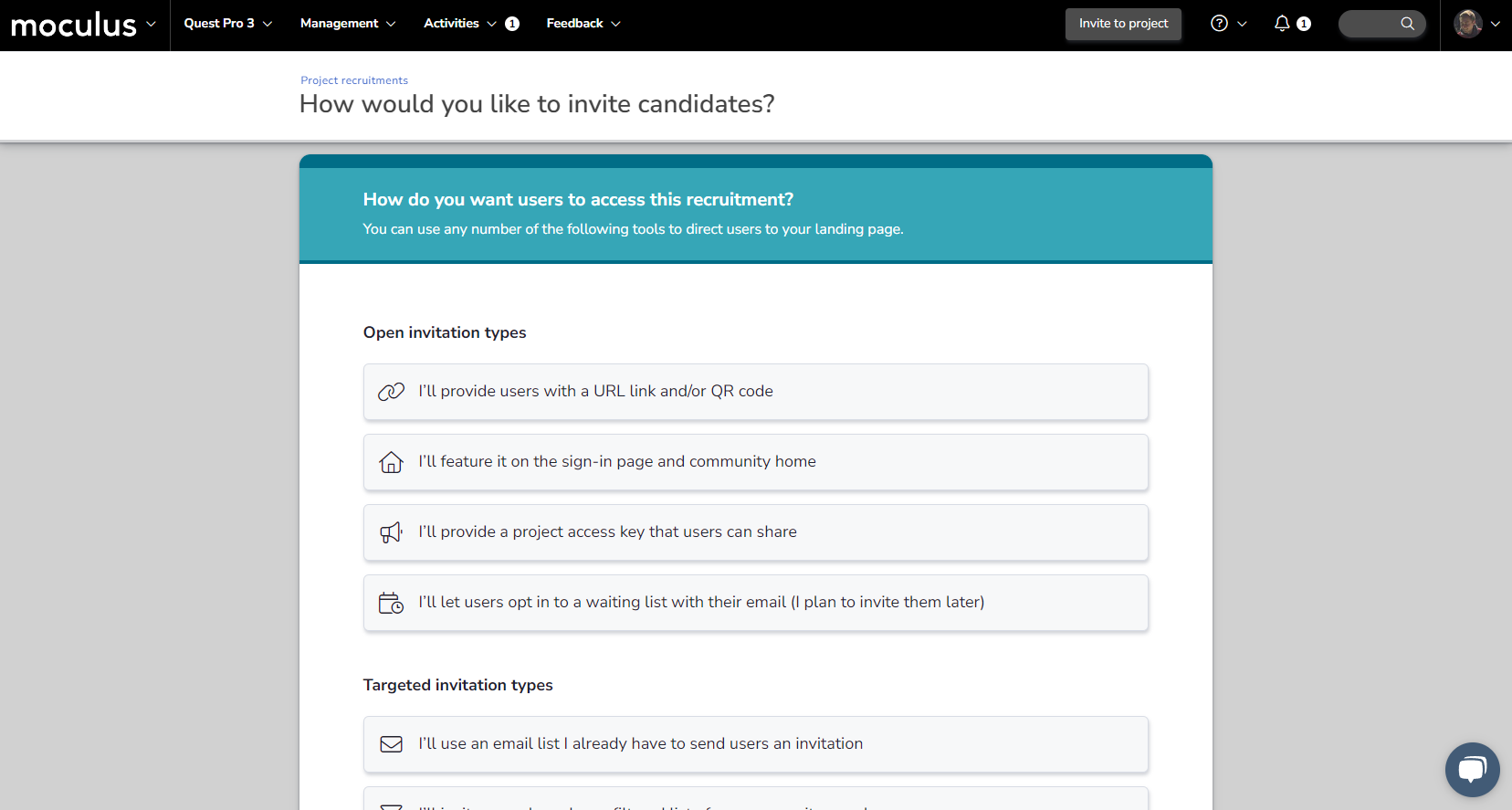
Quick invite emails sent using the “Invite to Community” or “Invite to Project” button are no longer limited to a single instance per email address. If a user reports not receiving an email invite sent this way, now you can simply invite them again without digging into Recruiting!
#We added a super easy copy button to URL link sources on the Recruiting page to grab the links
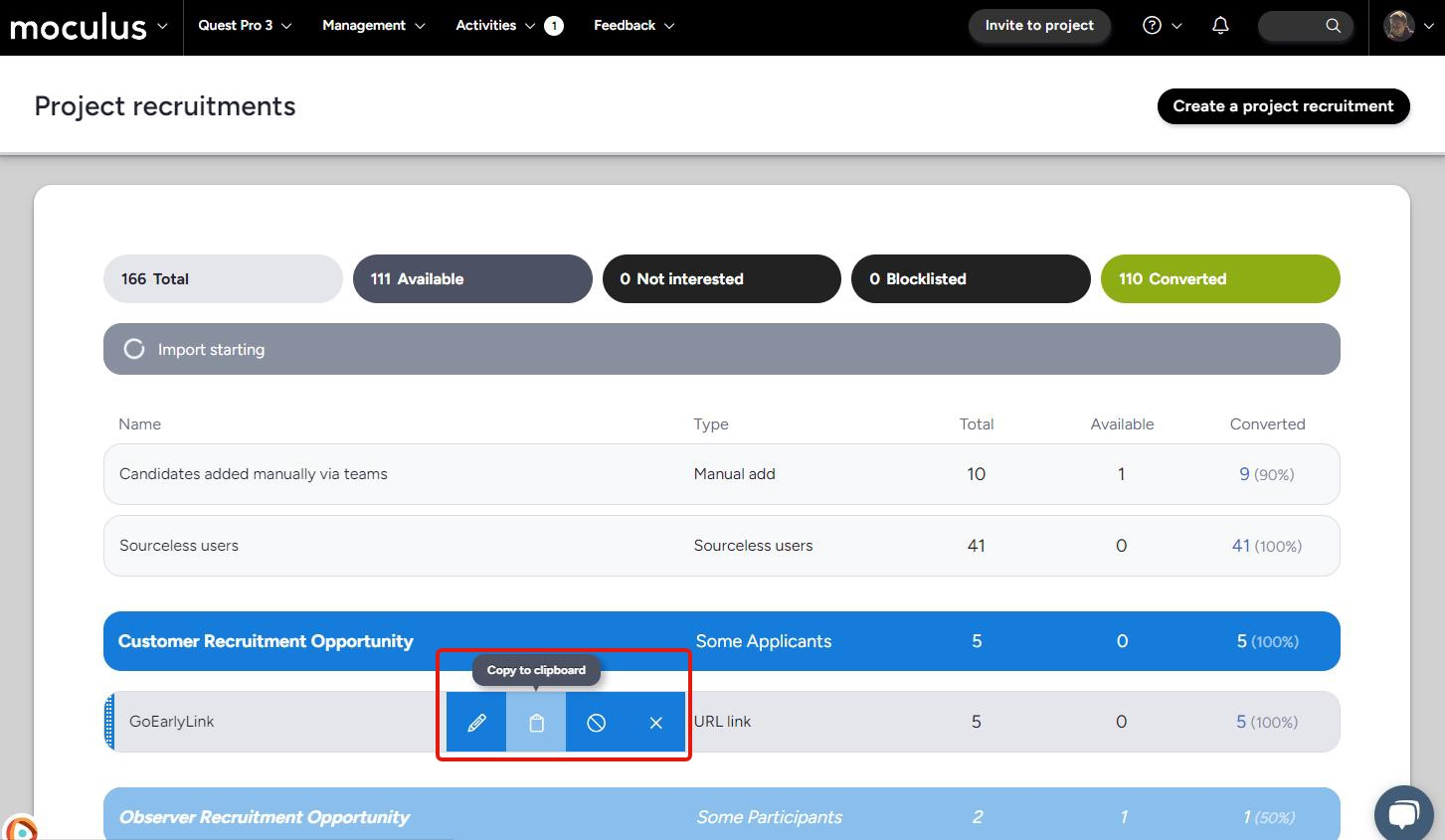
Get quick access to the link associated with a URL link invitation type by using the new button added to the Recruitments pages!
And more!
- Added clarity to Project Manager & Support invite restriction
- Removing URL links will now release that URL for use in other recruitments
#Dashboards
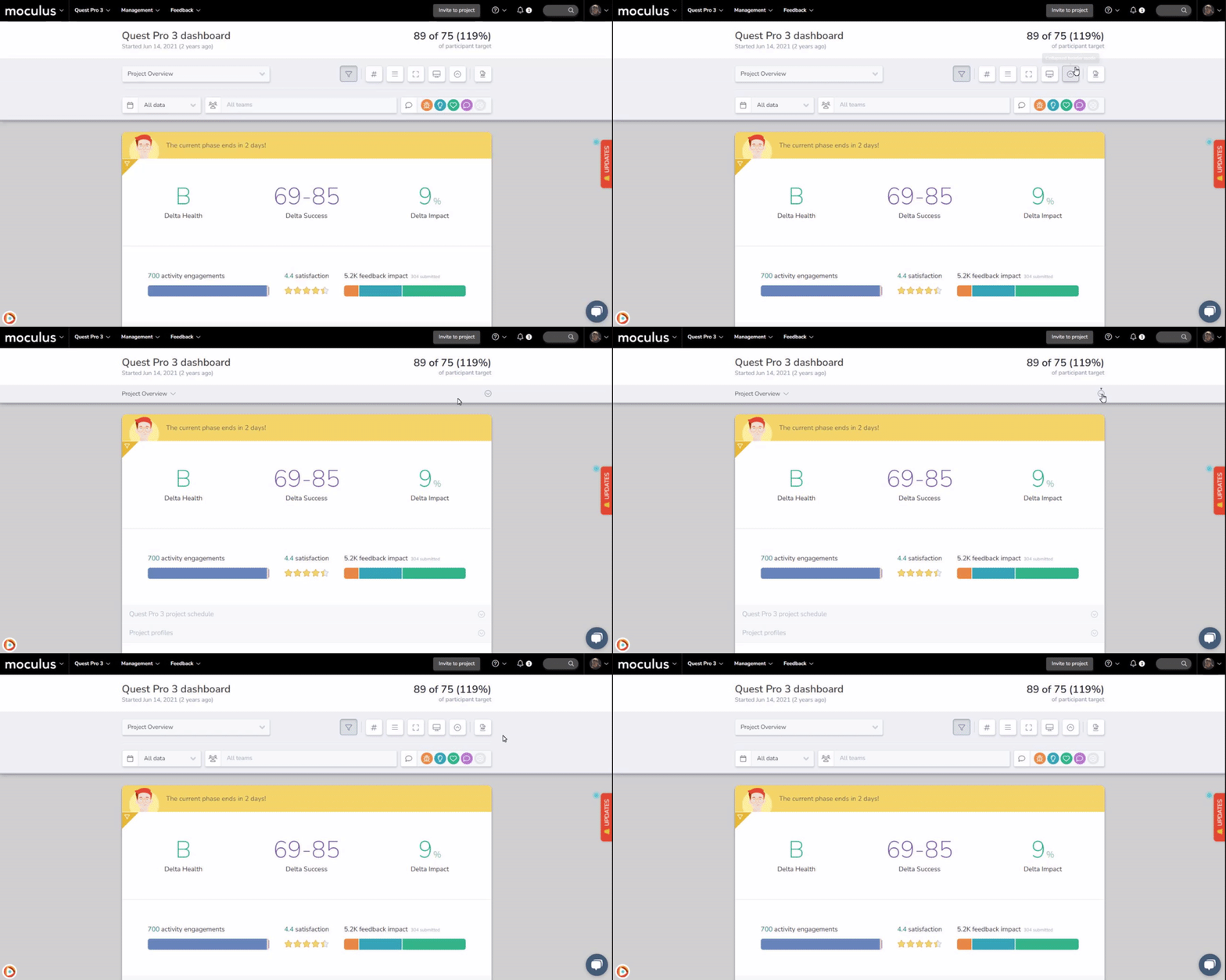
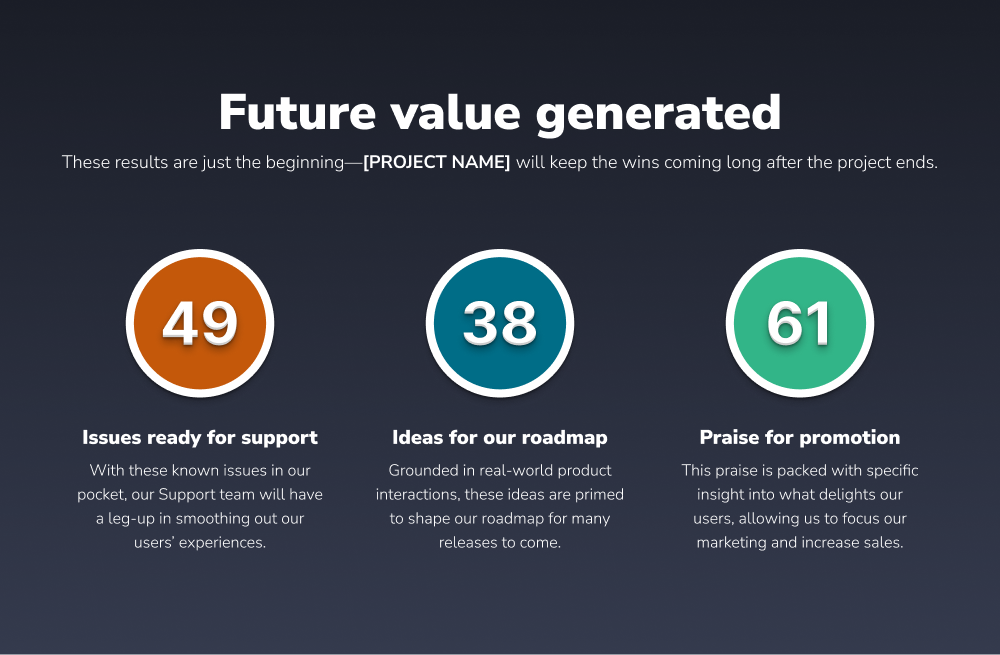
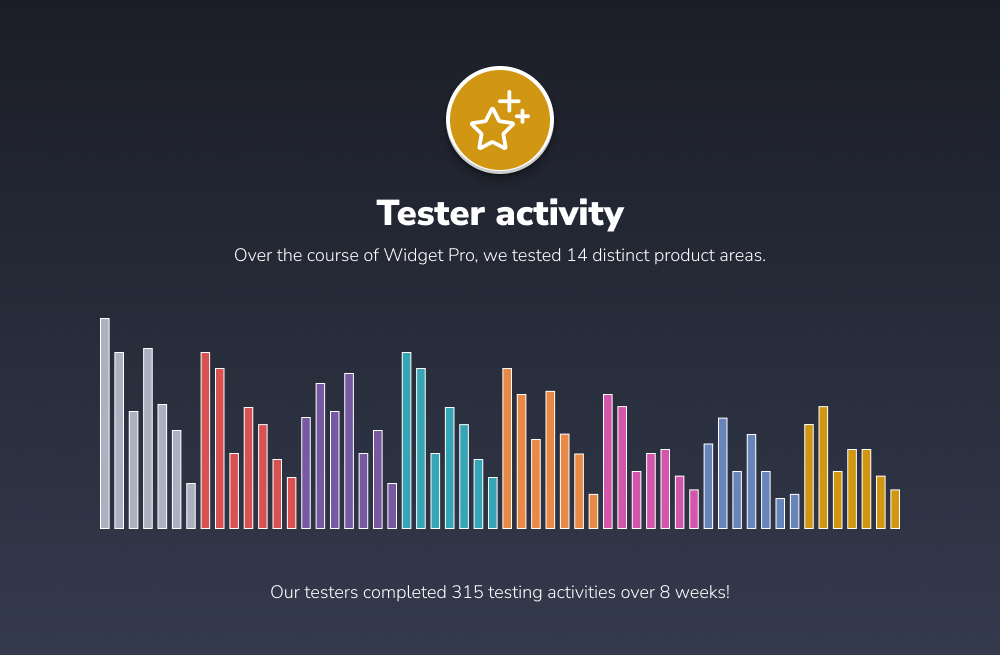
#The Delta Huddle dashboard now has an outro slide
" data-embed-image="https://t.gyazo.com/teams/centercode/thumb/1280\_w/eyJhbGciOiJIUzI1NiJ9.eyJpbWciOiJfYTA2Y2Y0NzJjNzc4ZjA5MjdmNzMyZmY1MjQ5NTQ2MDkifQ.weDCLEjHnfXRoVnnDBkVrUic0XeVInoUgEc5fXHlS\_w-gif.jpg" data-embed-signature="X1ejrGuq3W6mK1YZjglKxHOWXgphGM3oC9FfEhQvOb3" data-embed-url="https://centercode.gyazo.com/d8ab2db529950f9f5d896ff75fb97a8e">
The presentation mode view of the Delta Huddle dashboard now has a slide indicating the presentation is finished before looping back to the beginning.
**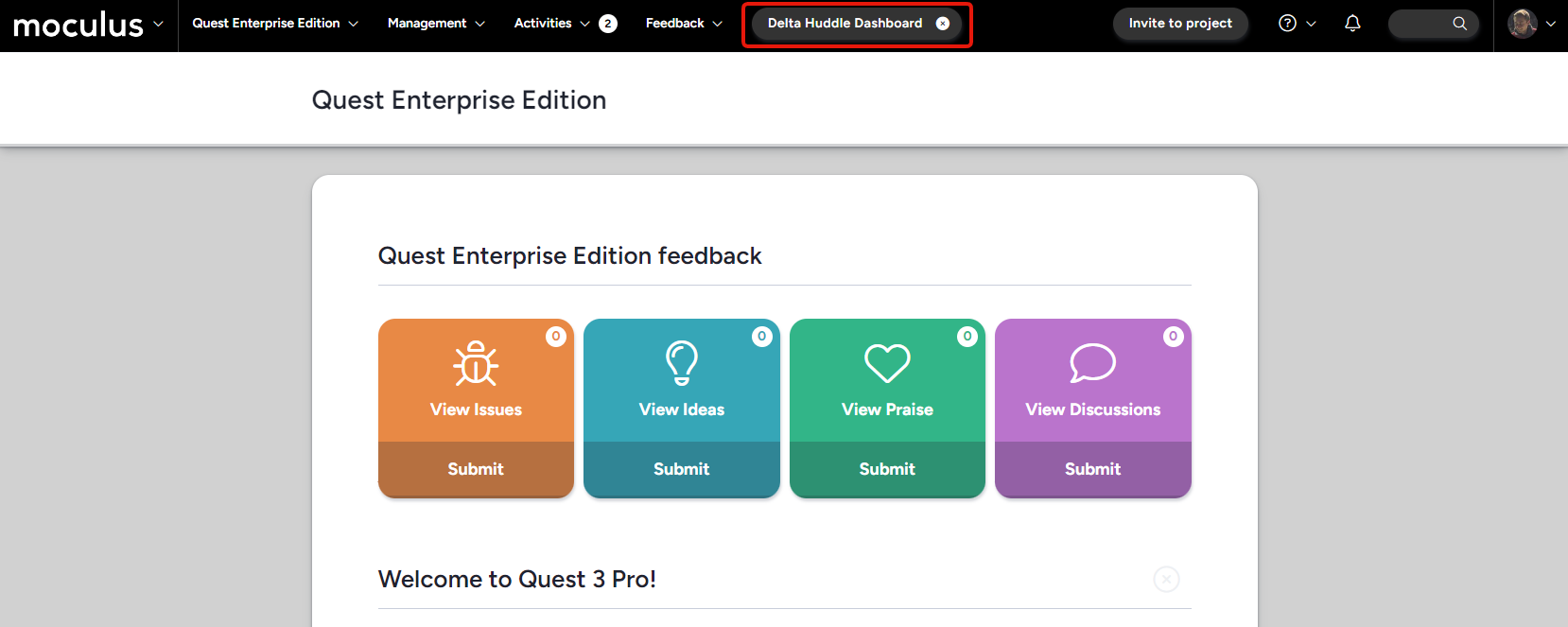 **Projects in an engagement phase will automatically populate a (dismissible) link to the Delta Huddle dashboard in the menu bar, giving you easy access to this powerful tool with a single click!
And more!
- Increased visibility of the Delta Huddle dashboard in the dashboard list
#Filters/Views
#We introduced a smarter default state for new filters, resulting in fewer clicks
**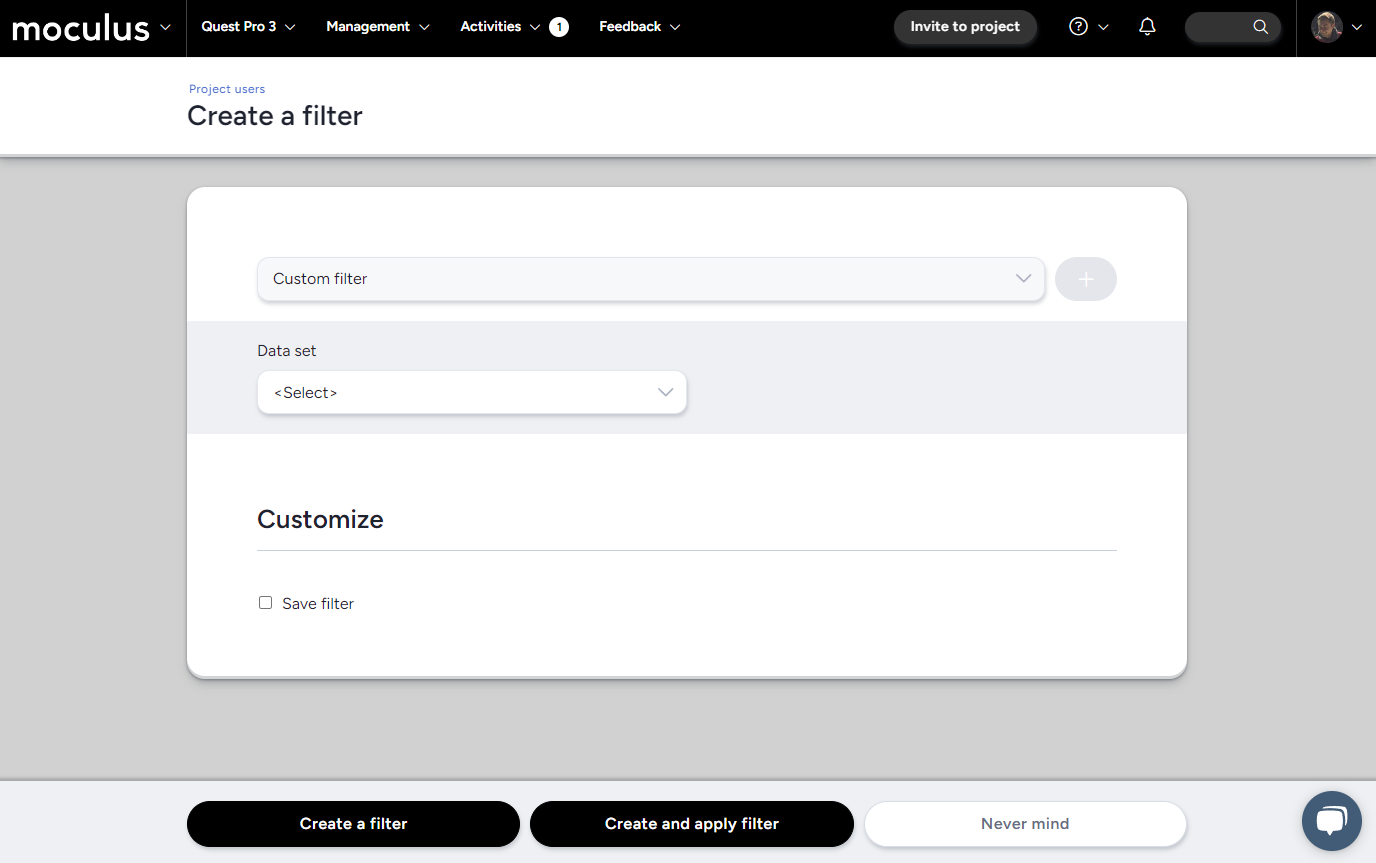 **New filters will now automatically start with the “Add filter” button pre-selected and the data set drop-down menu ready to go, saving you clicks!
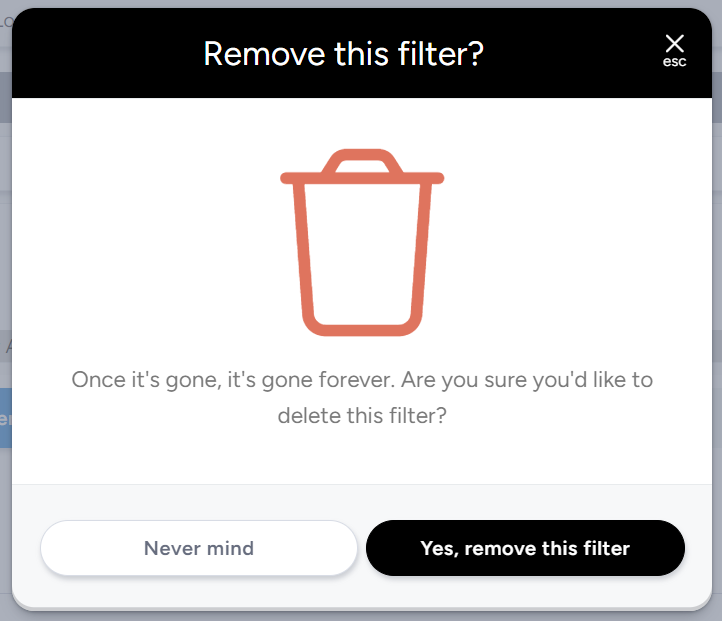
This new confirmation window for the “Remove Filter/View” button ensures that a misclick doesn’t lead to accidentally removing a valuable resource.
And more!
- Removed the old data engine item (“User Active”) due to being a legacy, unused feature
- Updated “Project teams” Data set to “Project activity” to better represent its function
- Added a “Never mind” button when creating a filter or view
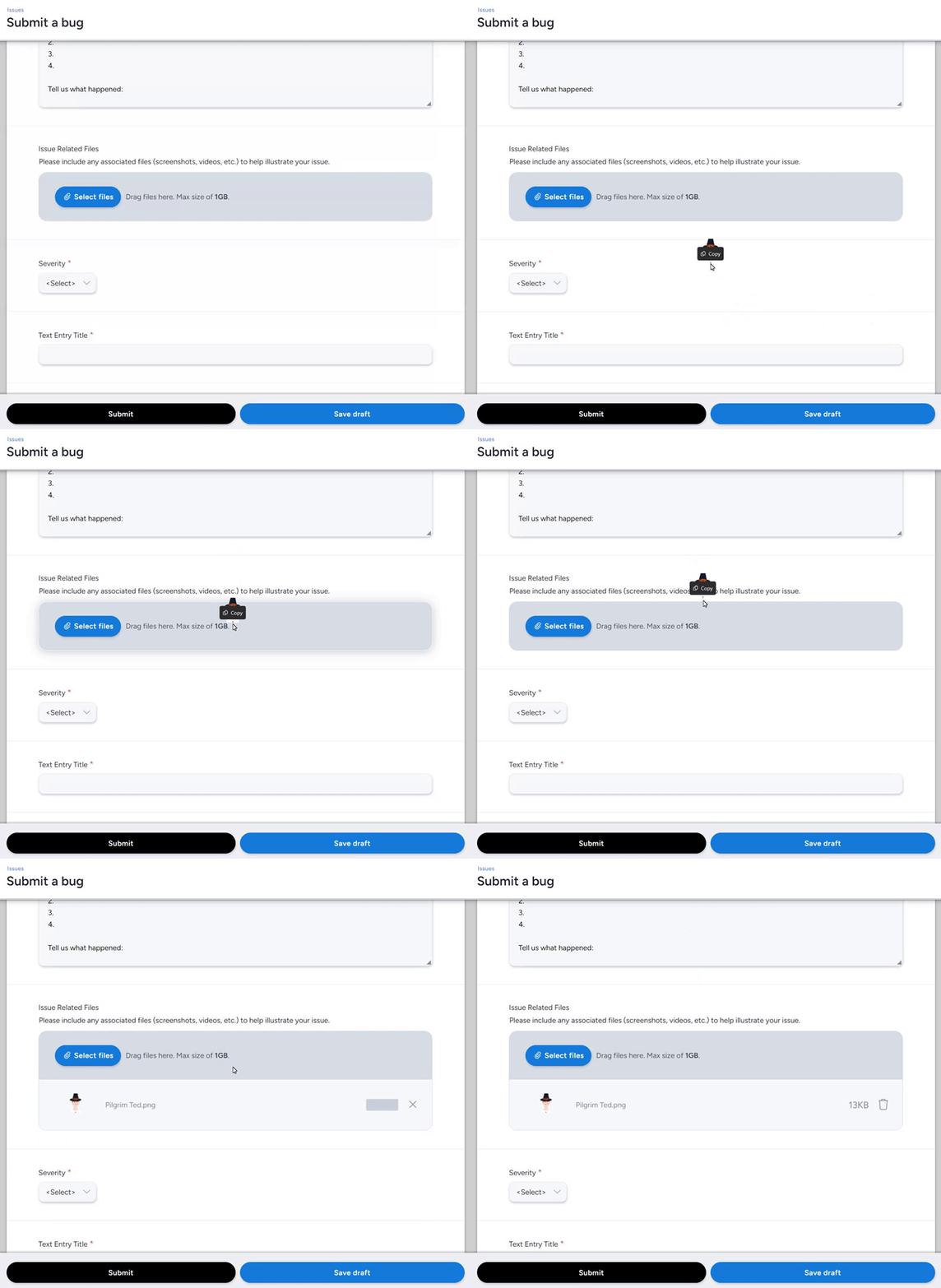
#We’ve added hover effect when dragging a file to upload onto the file element
" data-embed-image="https://t.gyazo.com/teams/centercode/cad7dc2e48e47d00d4ea978709a7ad4a.gif" data-embed-signature="d5ze61BtdtV9ajtiWa0Z1cg147jtVI5Y3Odl6sOf8OH" data-embed-url="https://centercode.gyazo.com/cad7dc2e48e47d00d4ea978709a7ad4a">
This new hover-over effect makes it clearer that your aim is on point as you drag and drop files into a file attachment form element.
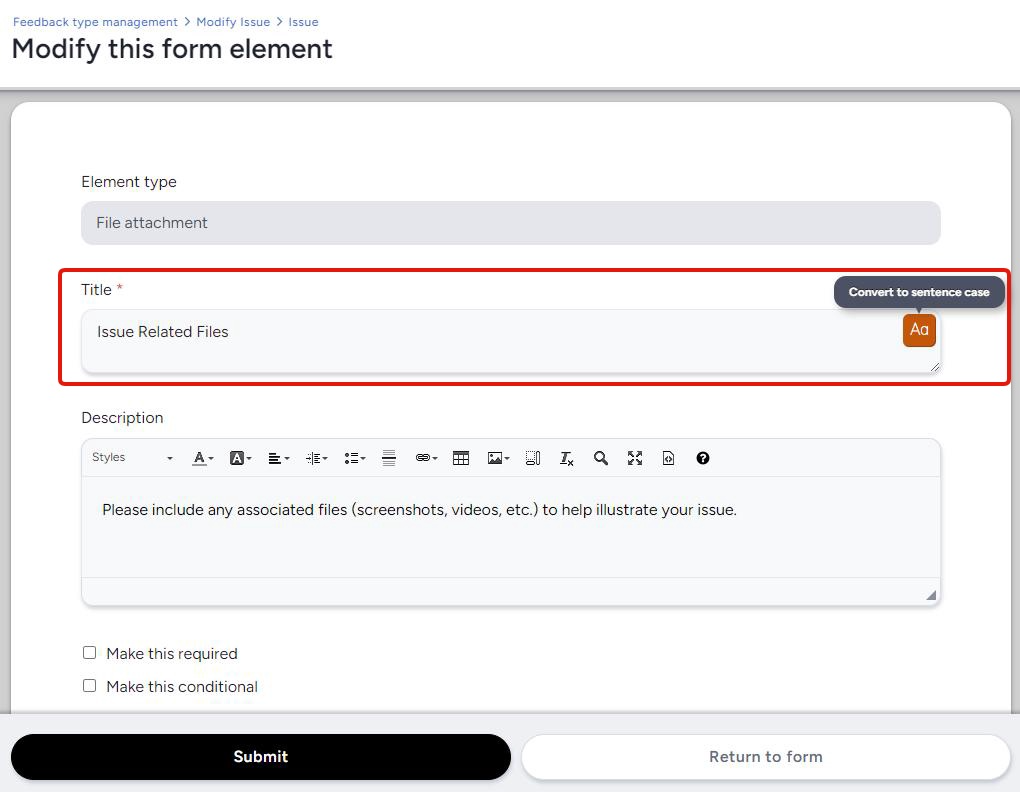
We’ve expanded our content title sentence casing tool to include form elements, making it easier for you to keep all your titles (resources, forms, etc.) cased the same way.
#User logins are now being counted the same way across the system
The login count used by the data engine has been changed to match the same criteria used by the user summary login count page for the sake of consistency. This also means that “# logins” consistently follows a more typical definition of a login, i.e. authentication into a new session.
#The “Exclude” option in the email log filter now works appropriately
We fixed an underlying issue that was preventing the “Exclude” option for email log filter fields from functioning as intended!
And more!
- The loading spinner for adding an avatar will now appropriately disappear if the upload fails
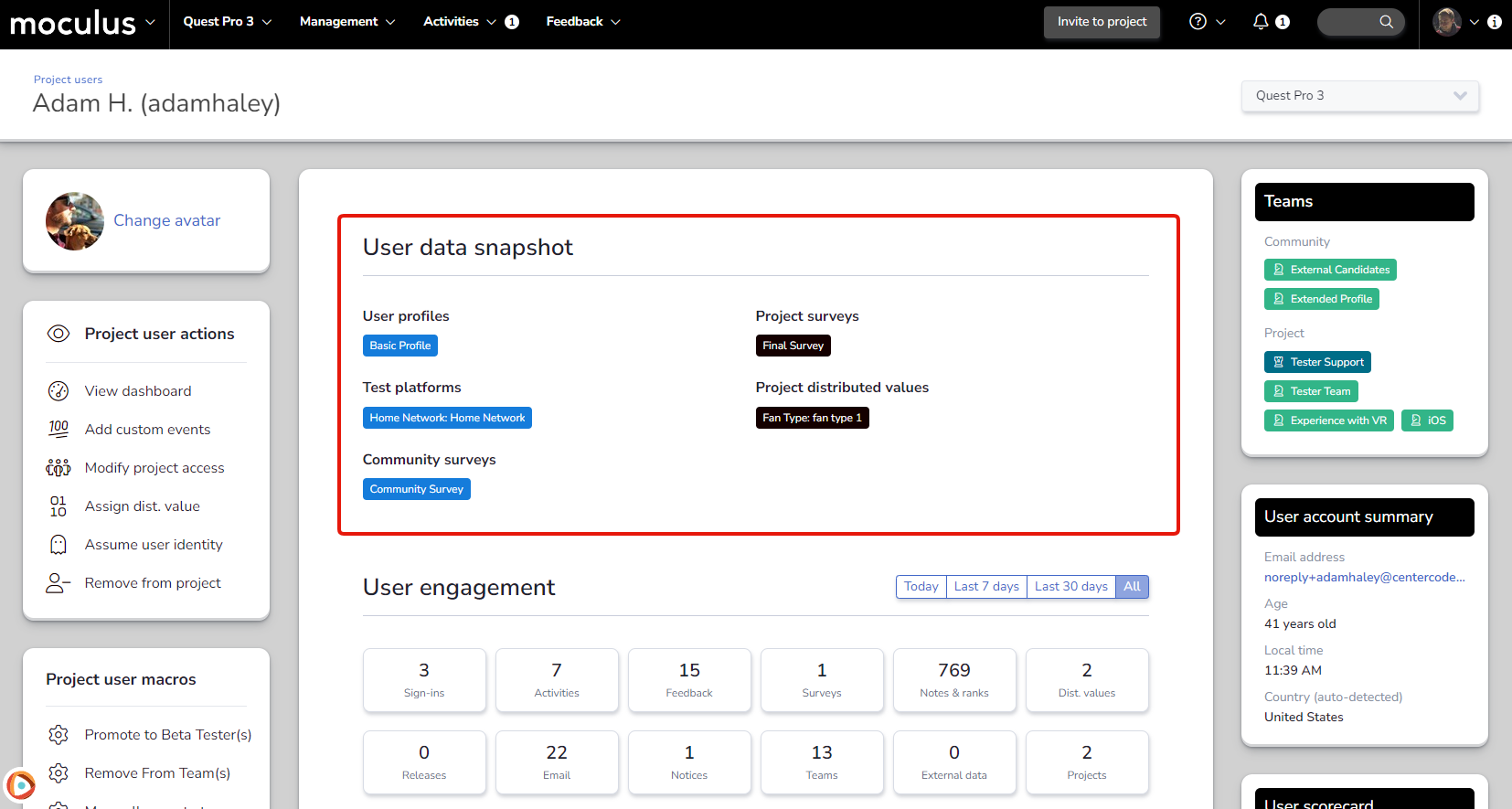
- The user data snapshot at the top of the user summary now appropriately hides if it’s empty
- Fixed the contact admin button on opt-out
- Numerous back-end changes to improve performance, modernize our stack, and generally make Centercode better
#Reports
#Grouping by date fields now groups by the day and doesn’t include the time
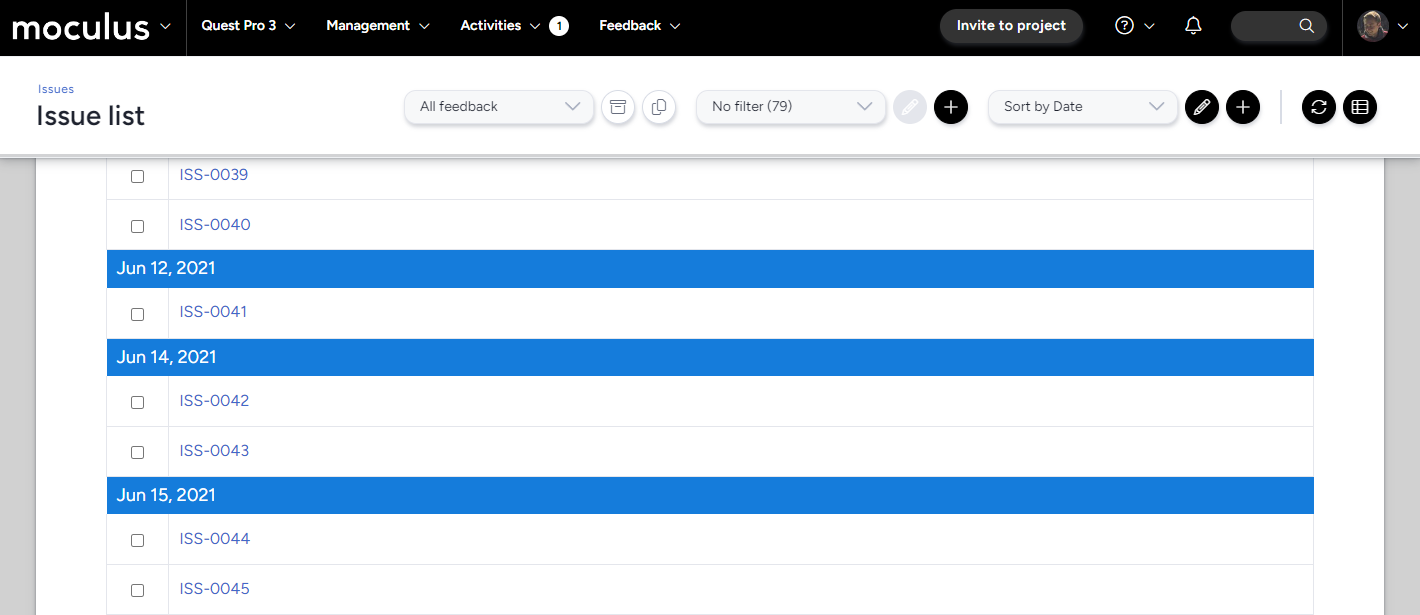 Grouping reports/lists by date will now exclusively look at the date submitted and not the time submitted. Don’t worry though—when not used in grouping, date/time data items will still show the time.
And more!
- Corrected alignment of report icons
#Ted
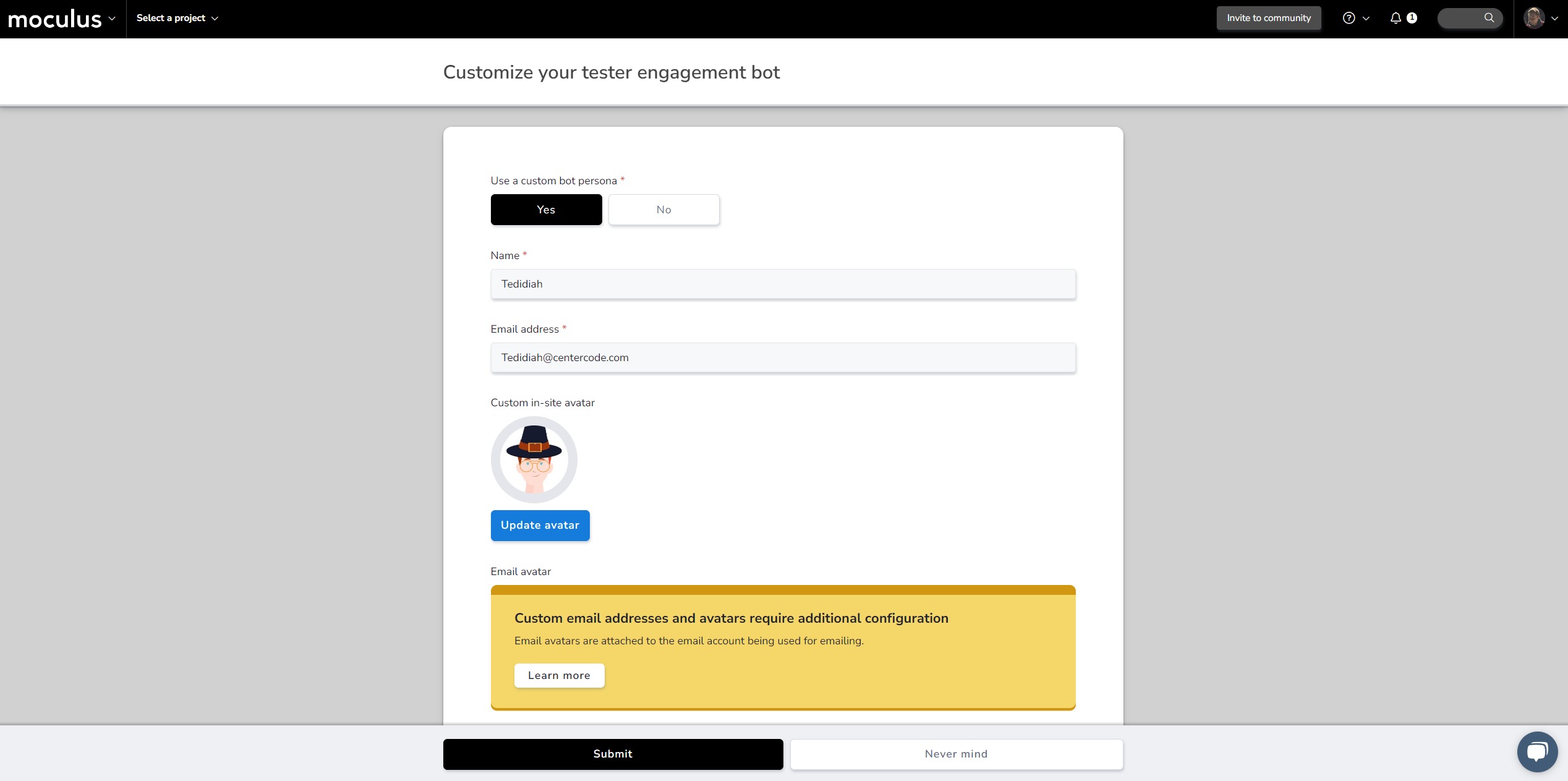
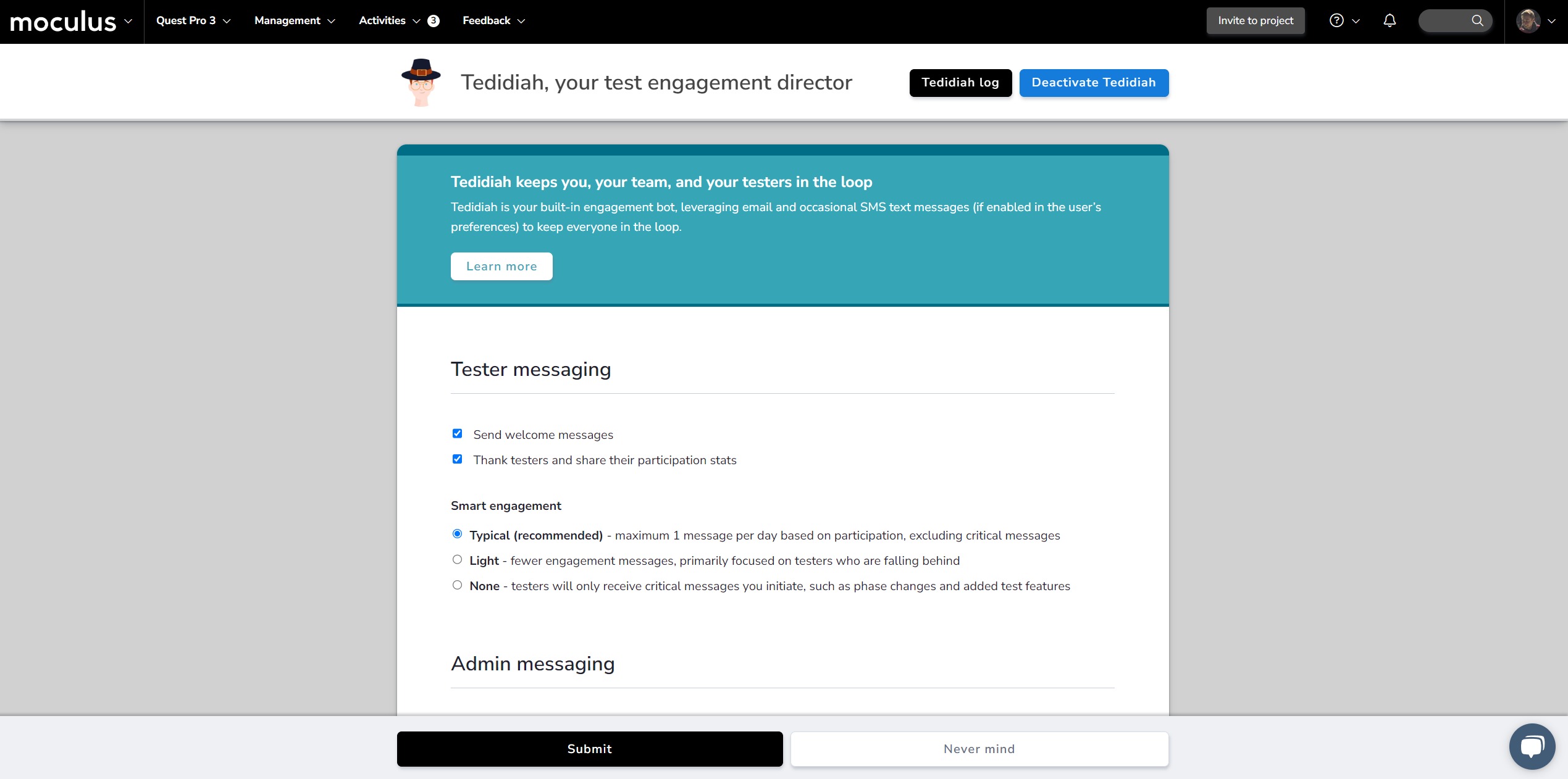
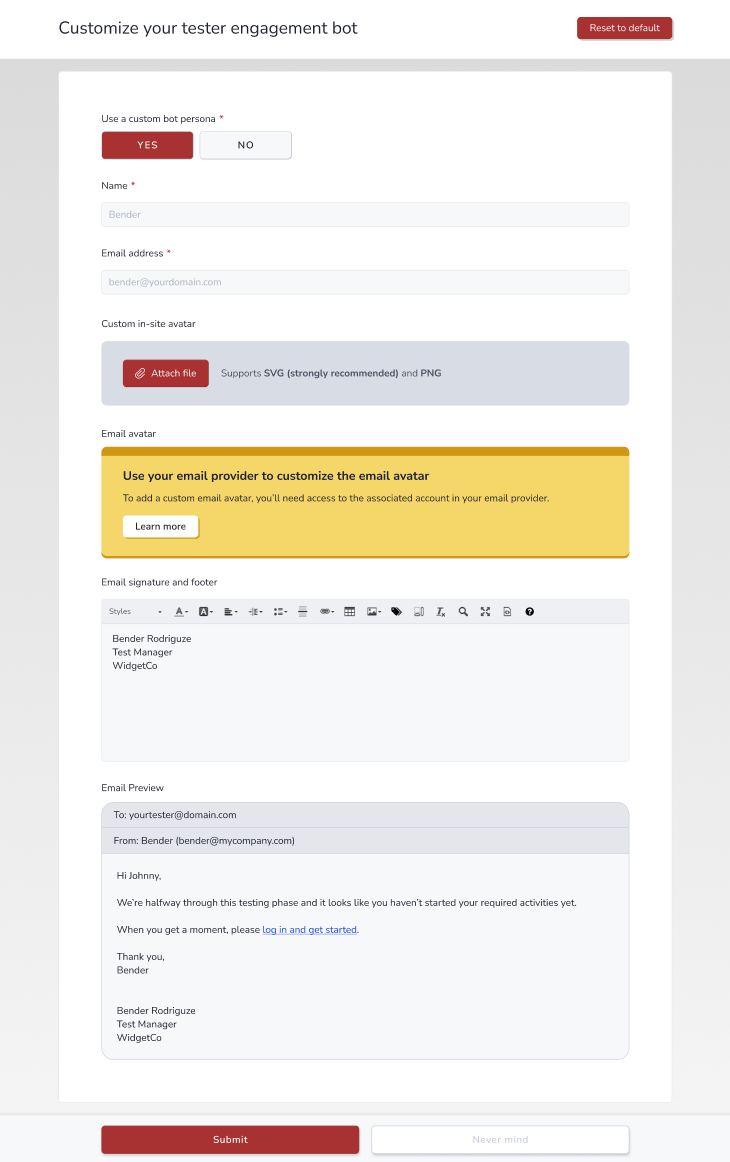
#Activating Ted no longer creates an unnecessary new tab
Previously, activating Ted would open Ted’s settings in a new browser tab after confirmation. Now clicking the activate Ted button will take you straight to the Ted settings page in the same tab!
And more!
- Improved plural references in Ted’s admin daily update emails
- Improved Ted settings title
#Test planning
#Updated the “activity incomplete” message visual
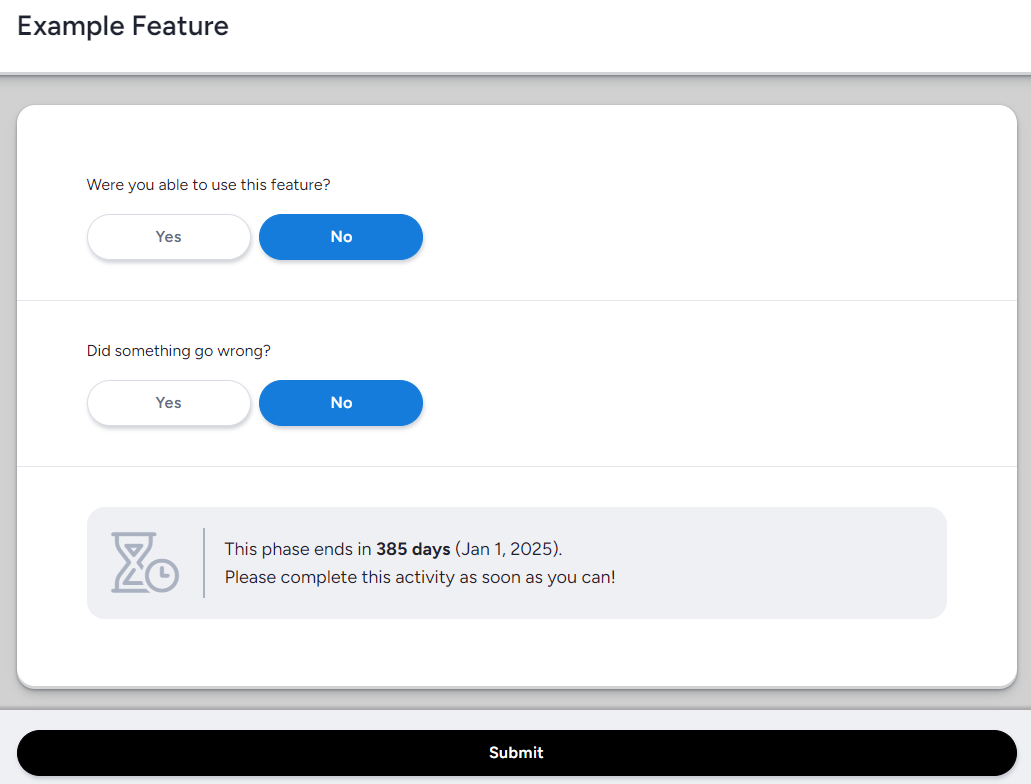
The “Activity incomplete” message was updated to include a new icon and dark visuals, making it clearer to testers that the activity is considered incomplete and they have a limited time to finish it.
And more!
- We now offer a better inline explanation of the unique traits of phaseless features
- Removed an unnecessary border on the Feature Overview page that testers see
#User cards can now be accessed directly from Quick Search
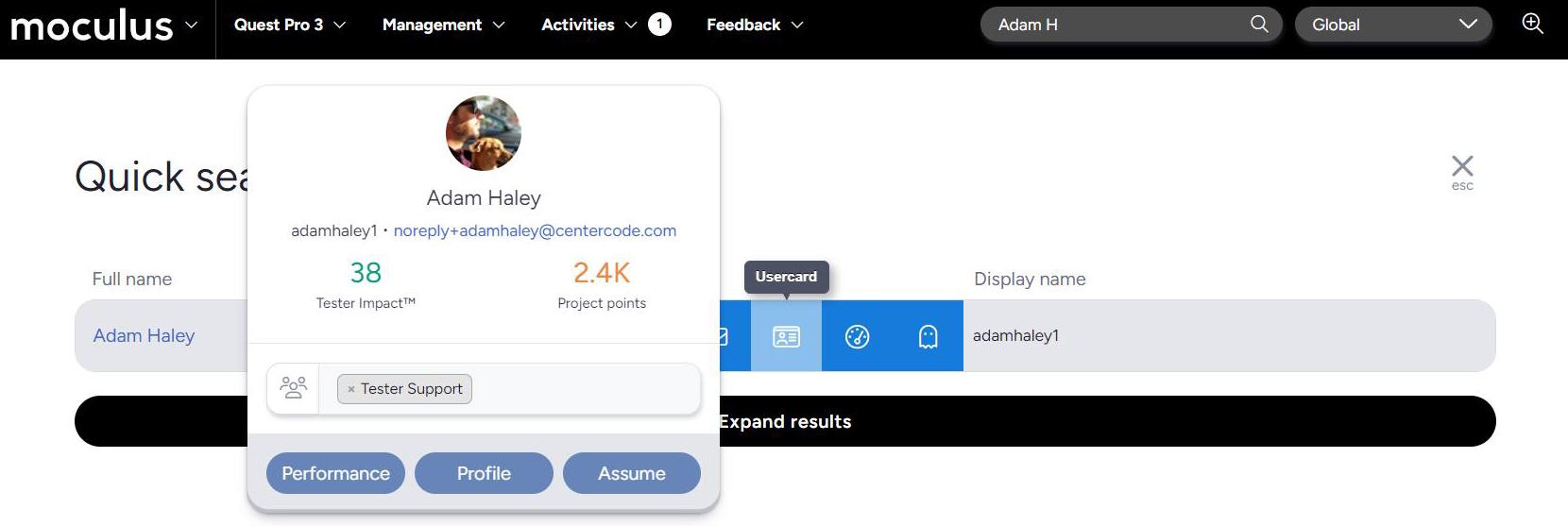 User cards are now accessible from the Quick search menu, providing access to useful data like teams, project scores, and contact information at a glance!
And more!
- Fixed improper spacing on the activity completion page when there is no activity body
- An invalid "no content" message was removed from file attachment blocks
- Added border radius to info icons on teams
- Rounded corners in tester facing WYSIWYG and feedback replies
- Added appropriate button classes on the “Distributed value type” button
- Fixed vertical alignment of test platform names to accommodate descriptions
- Added rounding to feedback menu UI
- Clarified language in linked feedback UI
- Improved spacing consistency on the feedback group view page
- Fixed padding on the feedback group creation/modification page
- Updated the layout of the user profile list page to match the appearance of test platforms
- Fixed the empty-row display on the trade compliance configuration pages
- Added padding to distributed value display in content view
- Polished visuals for “Check all” action rows in roles
- Text will no longer wrap inappropriately on feedback submission page
- Updated the invitation modal UI with corrected strings, padding, and general polish
- Email subject line in Delta Edition is now appropriately formatted
- Email template editing UI is more consistent
- Corrected the appearance of buttons on email template creation pages
- Normalized how text color is calculated on tags located on the navigation menu
- Public page padding cleaned up for consistency
- Header buttons matched for UI consistency
- Improved the visual polish of numeric values in the menu bar
- Simplified the feature creation page’s UI around collecting FSAT star ratings
- Gave content comments a much-needed polish pass
- User summary now accurately reflects custom team access license
- Fonts now render properly on project dashboards
- Added some much-needed spacing at the top of old reports between two messages
- Updated some tables on the project summary page to match the rest of Centercode
- Corrected the styling of the test platform explainer when shown on the tester homepage
- The related feedback list got some much needed love
#Strings
- Added a new infobox on trade compliance pages
- Updated “Continue” button text on account creation page
- Cleaned up references to “teams” in the user journey across editions
- Removed the date display next to content
- Updated back button text to be more clear on forms
- Menu footer uses string rotator
- Improved language on global following page
- Improved language on project specific following page
- Updated Ted audience copy to be more clear
- Updated strings at top of feedback submit
- Added fun new project configuration messages
- Updated a string we missed that was buried in Recruiting
- The Test Infographic has gone straight-edge
- Updated the string at the top of the tester homepage when a project is private
- Added a new login message
- The agreement link on sign-in has been pluralized for accuracy
- Cleaned up the page title on the project summary page
- Updated the project summary onboarding language to reflect our new vocabulary
Fixes
- Archiving a survey group will now archive the items within it as well
#Onboarding/Recruiting
- Some project recruitment strings will now be used in place of community string modifications for project sources
- SVG file security has been improved and the file type is supported for use in theme logos and opportunity backgrounds